Free template
Book Presentation Template for Book Reviews and Reading Discussions
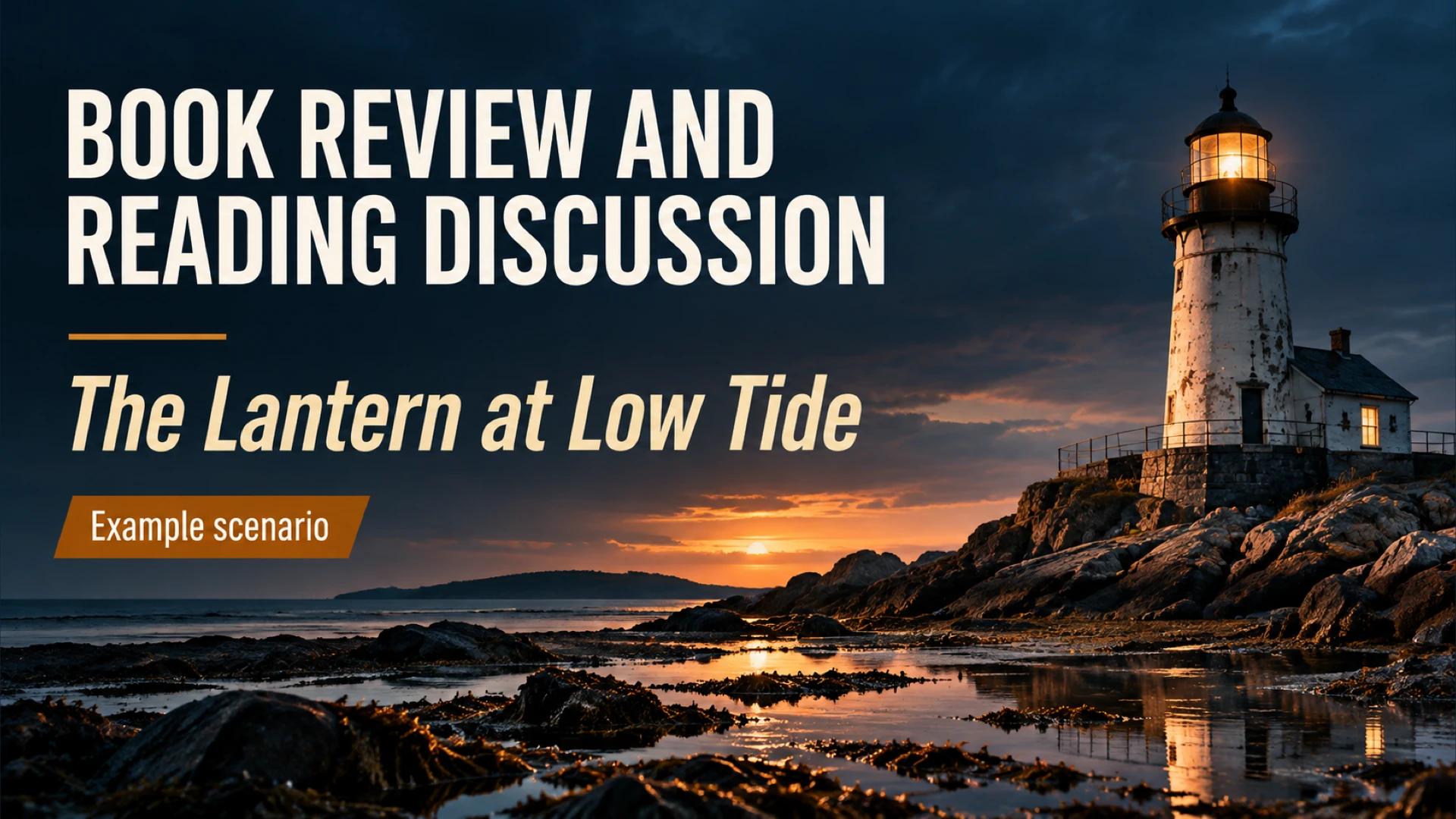
This book presentation template turns one novel into a complete reading talk across eight 16:9 slides. The example deck follows an invented coastal mystery, The Lantern at Low Tide: a full-bleed lighthouse cover, a Meet the Author slide with a portrait and one-line bio, a What Happens plot summary, and The People in the Story, which pairs three character portraits with short role captions. Later slides cover What the Book Explores with three themes, Read a Line Closely for one quotation plus a sentence of interpretation, My Reading Take for a personal verdict, and Discuss with Your Group with two open questions. The design is dark and cinematic: midnight-navy backgrounds, warm amber rules and tags, heavy condensed ivory headlines and moody harbor photography. Every story detail is marked as an example scenario, so students, teachers and book club hosts can swap in their own book. The editable PPT works as a PowerPoint presentation and can be converted for Google Slides, a good fit for anyone seeking Google Slides templates for teachers for a book report.
Use Deckgist's AI presentation maker to turn reading notes or a book summary document into a structured, editable presentation for class or a book club.
Create a presentation with AI
Enter a topic or upload reference files, then choose a theme to create a new presentation.
Create with a theme
Enter a topic or upload reference files, then choose a theme to create a new presentation.
Supports documents, PDFs, PPTs, and text files
Generate an editable presentation
AI organizes your content and completes the layout
No topic or upload needed
No topic or upload needed
What’s included
Book review cover slide
Cover slide titled Book Review and Reading Discussion with the example book title The Lantern at Low Tide over a lighthouse sunset photo.
Show full textCollapse
Meet the author
Author introduction slide pairing a portrait photo with the example author name Mara Ellis and a one-line bio about coastal towns and their secrets.
Show full textCollapse
What happens: plot summary
Plot summary slide with a one-sentence example premise about a young mapmaker and a mysterious lantern, shown above a map and lantern on rocks.
Show full textCollapse
The people in the story
Character slide with three portrait cards for the example characters Nora Vale, Jon Bell and Iris Vale, each with a short role caption.
Show full textCollapse
What the book explores
Themes slide listing three example themes, Belonging, Trust and Memory, each paired with a short explanation.
Show full textCollapse
Read a line closely
Quote analysis slide with a large illustrative excerpt and one sentence interpreting what the line reveals.
My reading take
Personal review slide with two short example opinions on the book's pacing and who may enjoy it, next to a cloth-bound book photo.
Show full textCollapse
Discuss with your group
Discussion slide with two open questions for a book club or class beside a cozy reading nook photo.
- • Why does Nora trust the map before she trusts Jon?
- • How would the ending change if Iris told the truth earlier?
Best for
- Present a student book report on a novel
- Lead a book club meeting with discussion questions
- Teach a literature lesson on character and theme
- Share a personal book review with a class or reading group
- Introduce an author and summarize a book's plot
Who this template is for
- Middle and high school students
- English and literature teachers
- Book club organizers
- School and public librarians
- University literature students
Features of this template+
- Eight-slide book review story: cover, author, plot summary, characters, themes, quote analysis, personal take and discussion questions
- Three-portrait character slide with name and role captions for each character
- Close-reading quote slide with large italic excerpt and an interpretation line
- Dark midnight-navy palette with warm amber rules, tags and ivory condensed headlines
- Cinematic coastal photography used full-bleed and in framed panels
- Editable PowerPoint slides with Google Slides conversion; example content clearly labeled for replacement