Free template
Cybersecurity Awareness Training Presentation Template | AI-Generated Employee Security Training Deck - Deckgist
This cybersecurity awareness training template helps organizations teach practical digital safety habits in a clear, engaging format. Its structured slide sequence explains the human role in security, phishing and impersonation tactics, artificial urgency, sender verification, password hygiene, multi-factor authentication, shadow IT, secure remote work, incident reporting, and a simple verify-stop-report response framework. Dark navy backgrounds, vivid blue and violet accents, cybersecurity imagery, icon cards, charts, and action-focused layouts create a professional technology training experience for employees and stakeholders. Inside an AI presentation maker, users can provide a security p
Create your own presentation with this template
Keep this template’s layout, colors, and visual style. Just enter your topic or upload your materials.
Template selected
Colors, layout, and visual style will be preserved
Supports documents, PDFs, PPTs, and text files
Generate an editable presentation
AI organizes your content and completes the layout
No topic or upload needed
No topic or upload needed
What’s included
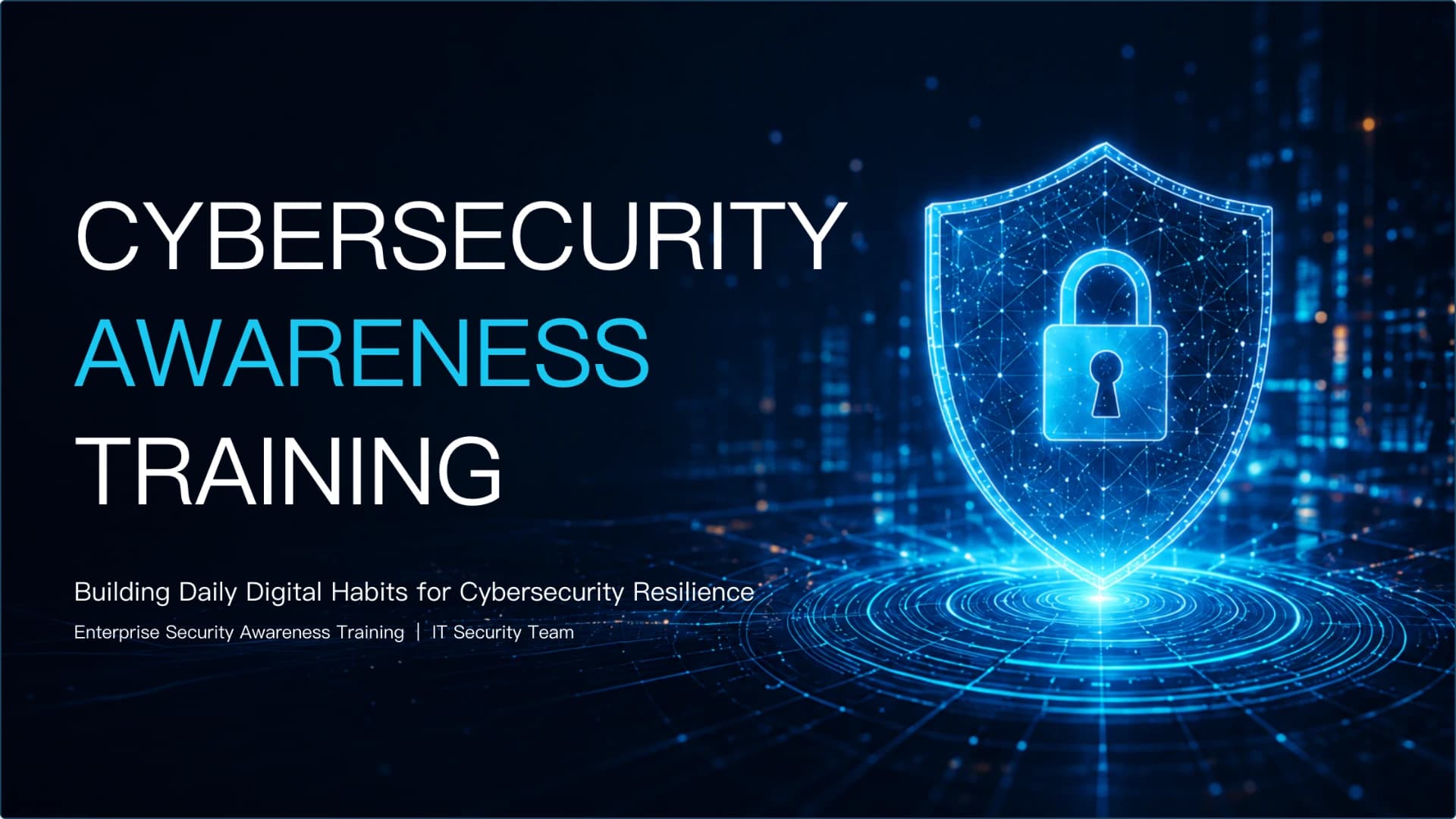
CYBERSECURITY AWARENESS TRAINING
Building Daily Digital Habits for Cybersecurity Resilience Enterprise Security Awareness Training | IT Security Team
Why Your Daily Actions Matter More Than Firewalls Technical barriers filter out bulk threats, but the ultimate strength of our defense depends on individual vigilance. A single de…
Show full textCollapse
Deceptive Communications Exploit Urgency
Modern phishing has evolved far beyond obvious spam. Cybercriminals now leverage highly personalized professional insights and artificial urgency to bypass standard verification protocols.
Show full textCollapse
Guarding Your Digital Keys
Robust credential hygiene is our most effective shield against unauthorized access and lateral network intrusion.
Show full textCollapse
Security Beyond Office Walls
Working from home or public spaces introduces physical and network vulnerabilities that require active mitigation.
Show full textCollapse
The 'Verify, Stop, Report' Framework When encountering an unusual email, link, or system behavior, follow this simple three-step protocol to isolate potential threats before they…
Show full textCollapse
Speed Over Blame: Active Reporting is Our Best Defense
When security slips inevitably occur, rapid containment is our priority. We cultivate a culture of mutual trust where reporting mistakes immediately helps protect the entire organization.
Show full textCollapse
Building a Resilient Organization
Let us make digital safety second nature. Stay alert, participate in our upcoming simulation exercises, and work together to build a stronger, more resilient workplace starting today.
Show full textCollapse
Best for
- AI-generated employee cybersecurity awareness training
- Phishing and social engineering prevention workshops
- Password, MFA, and credential security training
- Remote work and public Wi-Fi security presentations
- Security incident reporting and response briefings
- New employee information security onboarding
Who this template is for
- IT security teams
- Human resources departments
- Compliance and risk teams
- Corporate trainers
- Operations leaders
- Employees and remote workforce teams
Features of this template+
- Structured training flow from security risks to practical employee actions
- Dedicated slides for phishing, impersonation, urgency, and sender verification
- Credential hygiene sections covering password reuse, managers, MFA, and shadow IT
- Remote work security layouts for VPN use, device control, home networks, and screen locking
- Verify, stop, report framework and no-blame incident reporting guidance
- Editable charts, icon cards, image panels, and action-focused training placeholders