Free template
Artificial Intelligence Strategy Presentation Template for Executable AI
Create an artificial intelligence strategy presentation that moves from business need to measurable execution. The deck opens by framing AI as a decision-making discipline, then defines the trigger, context, problem, and success criteria before prioritizing use cases by business impact, readiness, manageable risk, and portfolio fit. It then shifts into the operating model required for AI value, covering workflow and human control, accountabilities, data foundations, adoption, and enablement. Later slides add a four-step trust and governance sequence, outcome and adoption metrics, a staged investment roadmap from Align to Pilot, Prove, and Scale, and a final decision slide with immediate actions and ownership. Visually, the template uses saturated royal and navy blue backgrounds, white typography, yellow highlights, rounded information panels, dashboards, diagrams, and consistent 3D AI illustrations. It works as an editable PowerPoint or PPT deck for leadership strategy reviews, and the presentation slides can also be adapted in Google Slides.
Explore DeckGist's AI presentation maker to turn AI strategy briefs and governance notes into structured, editable presentations.
Create your own presentation with this template
Keep this template’s layout, colors, and visual style. Just enter your topic or upload your materials.
Template selected
Colors, layout, and visual style will be preserved
Supports documents, PDFs, PPTs, and text files
Generate an editable presentation
AI organizes your content and completes the layout
No topic or upload needed
No topic or upload needed
What’s included
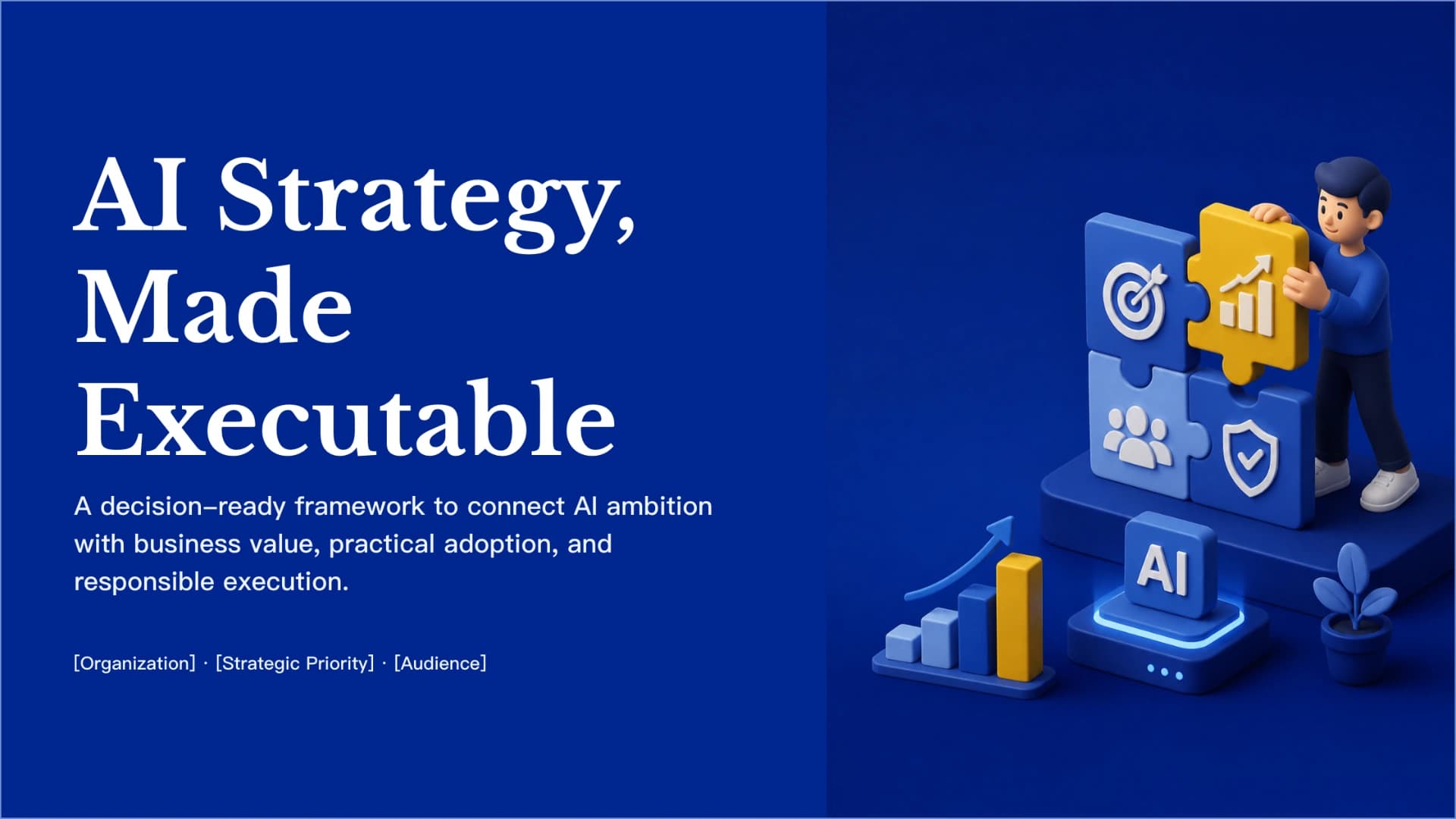
AI Strategy, Made Executable
A decision-ready framework to connect AI ambition with business value, practical adoption, and responsible execution.
- • [Organization] · [Strategic Priority] · [Audience]
Start with the decisions AI can improve
Boundary condition: if the problem is poorly defined, low-impact, or solvable more simply, AI is not yet the right solution.
Show full textCollapse
Prioritize Use Cases by Value and Readiness
Recommended focus: [Priority Use Case 1] and [Priority Use Case 2] — the strongest candidates for immediate validation.
Show full textCollapse
AI Value Requires an Operating Model
Adoption is designed, not assumed: provide training, change support, feedback loops, and clear escalation paths so technology becomes usable business capability.
Show full textCollapse
Build Trust into Every AI Deployment
Trust is not a post-launch review. It is an operating condition for moving AI from pilot to production.
Show full textCollapse
Measure Outcomes, Adoption, and Control
For every metric, define the baseline, target, owner, and reporting cadence—so progress is measured by evidence, not activity counts.
Show full textCollapse
Scale AI through staged investment
Show full textCollapse
Make the Next AI Decision Explicit
Immediate actions: assign owners, confirm data access, define baseline metrics, and schedule the first review. Near-term evidence: [Milestone] · [Target Outcome] · [Decision Date].
Show full textCollapse
Best for
- Present an enterprise AI strategy and practical execution framework
- Prioritize AI use cases by value, readiness, and manageable risk
- Define an AI operating model with roles, data foundations, and human oversight
- Communicate responsible AI governance and deployment controls
- Track AI business outcomes, adoption signals, and process health
- Plan staged AI investment from alignment and pilots through validation and scale
Who this template is for
- Executive leadership teams evaluating AI investments
- AI transformation and innovation leaders
- Corporate strategy and digital transformation teams
- Technology, data, and product leaders
- AI governance, risk, and compliance teams
- Business sponsors responsible for AI adoption
Features of this template+
- Four-part decision-framing structure covering trigger, context, problem definition, and success criteria
- AI use-case prioritization framework balancing business impact, readiness, manageable risk, and portfolio fit
- Operating-model slide connecting workflow and human control, accountabilities, data foundations, and adoption
- Four-step responsible AI governance sequence from risk mapping to ownership and decision gates
- Measurement dashboard plus staged Align–Pilot–Prove–Scale investment roadmap with chart-based reporting
- Deep-blue and yellow visual system with consistent 3D AI illustrations, editable PowerPoint layouts, and Google Slides support