Free template
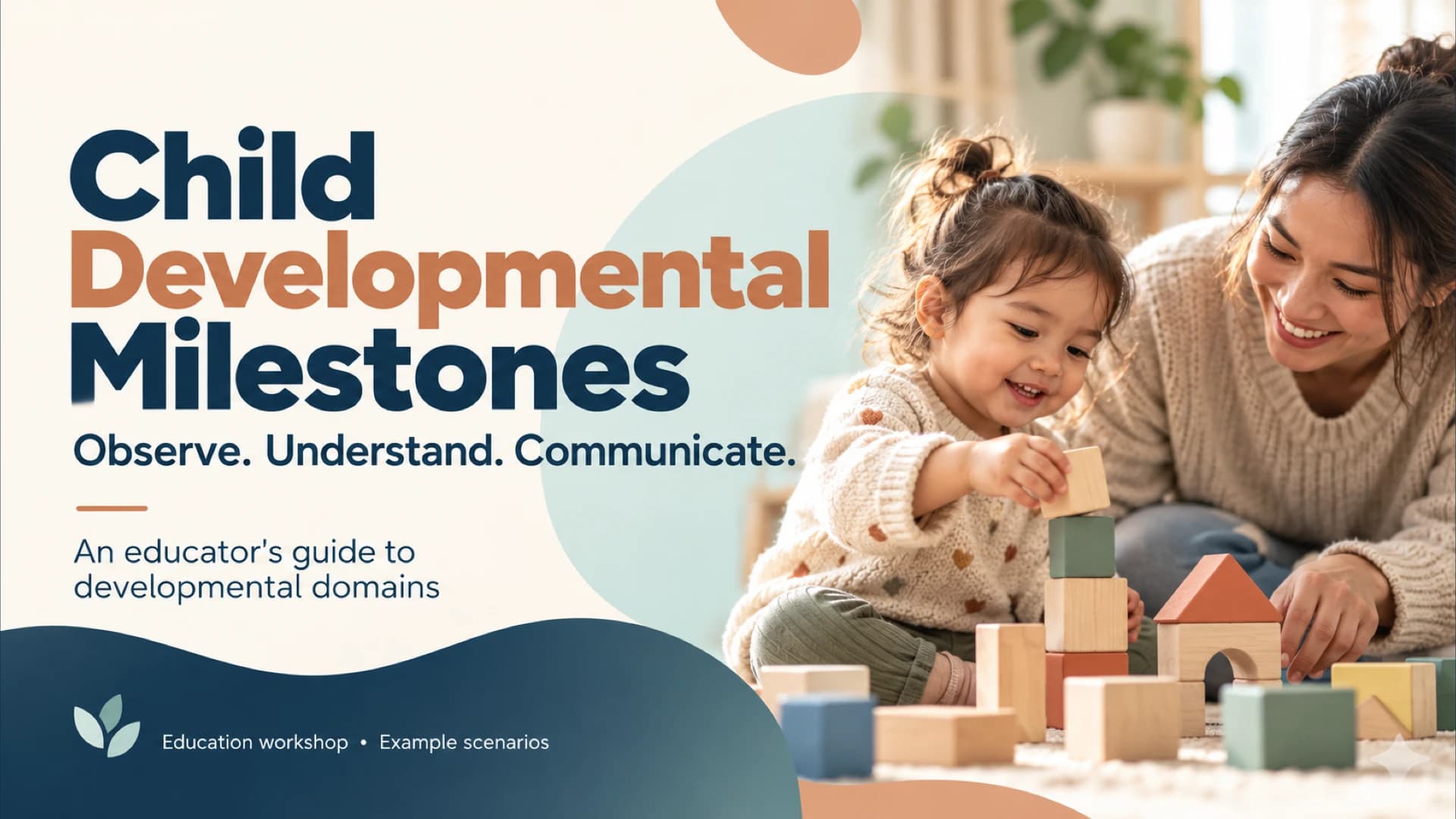
Child Developmental Milestones Presentation Template for Observation Workshops
Present a child developmental milestones workshop that connects everyday play with clear observation and family discussion. This eight-slide medical education presentation introduces four developmental domains through a matrix pairing each domain with what to notice and an illustrative observation. It then moves through contextual observation, a four-column record, a strengths-first conversation, a shared-plan example and a practical discussion activity. The closing slide points to CDC learning resources. Cream backgrounds, navy and terracotta headlines, pale teal panels and warm adult-and-child photography give the deck a consistent visual rhythm. Numbered steps and large icons make the processes easy to follow. The fictional Avery examples support educator practice; no age norms are shown, and the resources do not replace validated screening. The English PPTX can be downloaded for PowerPoint, with a Google Slides conversion workflow available.
For a separate child-development lesson, use DeckGist's AI presentation maker to turn educator training notes or a workshop brief into a structured, editable presentation.
Create a presentation with AI
Enter a topic or upload reference files, then choose a theme to create a new presentation.
Create with a theme
Enter a topic or upload reference files, then choose a theme to create a new presentation.
Supports documents, PDFs, PPTs, and text files
Generate an editable presentation
AI organizes your content and completes the layout
No topic or upload needed
No topic or upload needed
What’s included
Child developmental milestones workshop
An educator's introduction to developmental domains, framed around observing, understanding and communicating through example scenarios.
Show full textCollapse
Four developmental domains
A matrix connects four developmental domains with what to notice and an illustrative observation. No age norms are shown.
Show full textCollapse
Use milestones in context
Four steps connect everyday observation, an age-specific reference, recording context and support, and discussion with families.
Show full textCollapse
Write clear observation notes
A four-column example records when, context, observation and support using two fictional observations about Avery.
Show full textCollapse
Make family conversations concrete
A four-step conversation starts with a strength, describes the observed skill, invites the family's perspective and agrees a next observation.
Show full textCollapse
Turn a question into a shared plan
A fictional communication question about Avery leads through comparing observations, talking with family, considering additional support and agreeing next steps.
Show full textCollapse
Practice noticing and discussing
A workshop activity asks learners to read an example observation, identify a domain, rewrite a neutral note and discuss a question for a family.
Show full textCollapse
Keep learning and observing
Resource panels point to CDC developmental milestones, Watch Me! Module 2 and current age-specific checklists. Educational resources do not replace validated screening.
Show full textCollapse
Best for
- Teach the four developmental domains in an educator workshop
- Demonstrate clear observation records using fictional examples
- Practice strengths-first conversations with families
- Discuss a shared plan for a child-development question
- Lead an activity on neutral observation language
Who this template is for
- Early childhood educators
- Early care staff trainers
- Pediatric education instructors
- Family education facilitators
Features of this template+
- Four-domain matrix with observation examples and no age norms
- Four-column observation record separating context, observation and support
- Numbered family-conversation and shared-plan sequences
- Fictional Avery scenario followed by a four-part workshop activity
- Cream, navy, terracotta and teal layouts with warm adult-and-child photography
- Eight English 16:9 PowerPoint slides with a Google Slides conversion workflow