Free template
Digital Logic Design Presentation Template with Paper-Cut Diagrams
Teach an introductory digital logic design lesson that moves from bits to a working decision rule. This DLD PPT template contains eight English slides: a lesson opener, binary place values, AND/OR/NOT gates, an AND-versus-OR truth table, Boolean identities, a lamp-control example, three practice questions and a separate answer recap. The binary example expands 1011 into 8 + 0 + 2 + 1 = 11, while the circuit trace shows why Enable = 1 and Button = 0 leave the lamp off. A pale blue paper texture, coral and mustard shapes, large navy headings and raised paper-cut switches give this technology education presentation a tactile classroom character. Table layouts support comparison, and numbered cards keep the practice tasks distinct from the answers. Teachers and introductory computing students can adapt the editable text, tables and diagram shapes in PowerPoint. The template page also offers a Google Slides conversion entry; the downloadable PPTX and preview images remain in English.
To develop a separate digital logic lesson, use DeckGist's AI presentation maker to turn a course outline or lab notes into a structured, editable presentation.
Create a presentation with AI
Enter a topic or upload reference files, then choose a theme to create a new presentation.
Create with a theme
Enter a topic or upload reference files, then choose a theme to create a new presentation.
Supports documents, PDFs, PPTs, and text files
Generate an editable presentation
AI organizes your content and completes the layout
No topic or upload needed
No topic or upload needed
What’s included
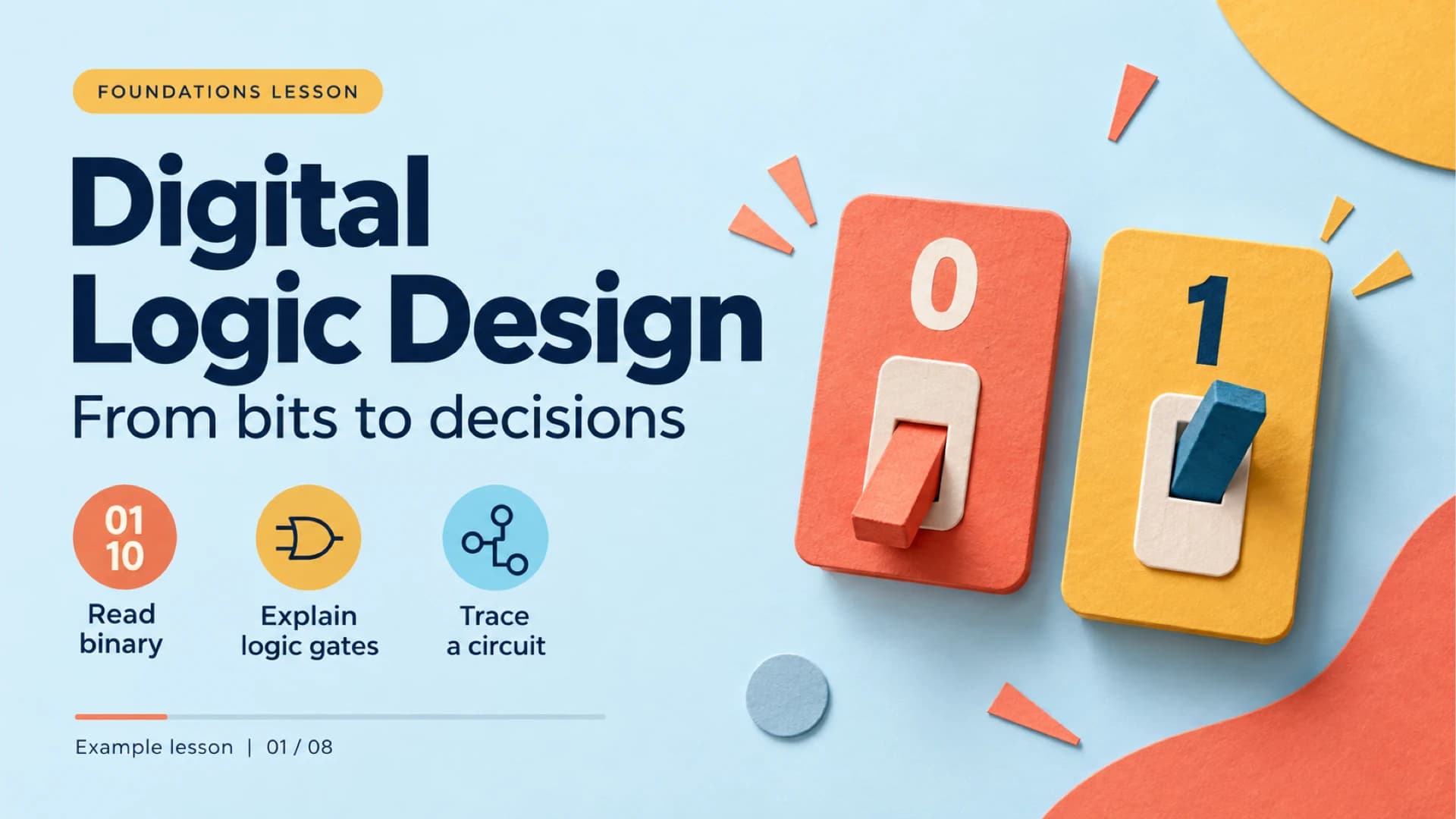
Digital logic design lesson opener
The opening slide introduces reading binary numbers, explaining logic gates and tracing a circuit.
Show full textCollapse
Binary place values and a worked conversion
A place-value table expands the binary number 1011 into decimal 11 using contributions of 8, 0, 2 and 1.
Show full textCollapse
AND, OR and NOT logic gates
Three side-by-side gate diagrams explain how AND, OR and NOT produce outputs from their inputs.
Show full textCollapse
Read an AND and OR truth table
A four-row table lists every combination of A and B and compares the corresponding AND and OR outputs.
Show full textCollapse
Boolean identities and a lamp-control rule
Three Boolean rules sit beside an example in which Enable and Button both equal 1, switching the lamp on through an AND gate.
Show full textCollapse
Trace a single AND-gate circuit
An example classroom indicator uses Enable = 1 and Button = 0 to demonstrate why an AND gate produces Lamp = 0.
Show full textCollapse
Three digital logic practice questions
Three numbered questions ask learners to convert a binary number, find an OR output and evaluate the lamp-control rule before viewing the answers.
Show full textCollapse
Practice answers and a digital logic recap
The final page gives answers 6, 1 and 1, recaps bits, place values and gates, and suggests building a two-gate circuit as a next exercise.
Show full textCollapse
Best for
- Introduce binary place values with a worked 1011-to-11 conversion.
- Compare AND, OR and NOT gates before reading a two-input truth table.
- Explain Boolean identities through an example lamp-control rule.
- Present three practice questions, then reveal the answers on a separate slide.
Who this template is for
- Introductory computer science instructors
- Digital electronics teachers
- Teaching assistants leading logic tutorials
- Students beginning digital logic design
Features of this template+
- Eight English 16:9 slides connect binary numbers, gate symbols, Boolean rules and a single-gate circuit example.
- Native PowerPoint text, place-value and truth tables, and diagram shapes can be edited in the downloaded PPTX.
- Coral and mustard paper-cut switches and gates stand out against pale blue textured backgrounds.
- A complete AND/OR truth table lists all four input combinations for side-by-side comparison.
- Three numbered practice questions precede a separate answer and recap page.
- The template page includes a Google Slides conversion entry for the English deck.