Free template
Healthcare Delivery System Presentation Template for Connected Care
Build a medical education presentation that makes the health care delivery system easier to follow. This eight-slide lesson starts with the people and organizations involved, then shows primary, secondary and tertiary services through a fictional Cedar District. A four-step referral journey follows Maya from a clinic to a hospital and back to follow-up, making information exchange visible. The PPT also includes a resource-flow diagram, an illustrative teaching budget and a comparison of two fictional care networks. A 12-minute group exercise invites learners to map roles, referrals and a coordination gap before three closing takeaways. Blue headings, coral and yellow accents, and paper-like community illustrations give the slides a consistent teaching style. Download the PowerPoint deck or use the available Google Slides conversion entry; the example figures and places are illustrative rather than local policy data.
For a different healthcare lesson, use DeckGist's AI presentation maker to turn course notes or a report into a structured, editable presentation.
Create a presentation with AI
Enter a topic or upload reference files, then choose a theme to create a new presentation.
Create with a theme
Enter a topic or upload reference files, then choose a theme to create a new presentation.
Supports documents, PDFs, PPTs, and text files
Generate an editable presentation
AI organizes your content and completes the layout
No topic or upload needed
No topic or upload needed
What’s included
Healthcare delivery system lesson
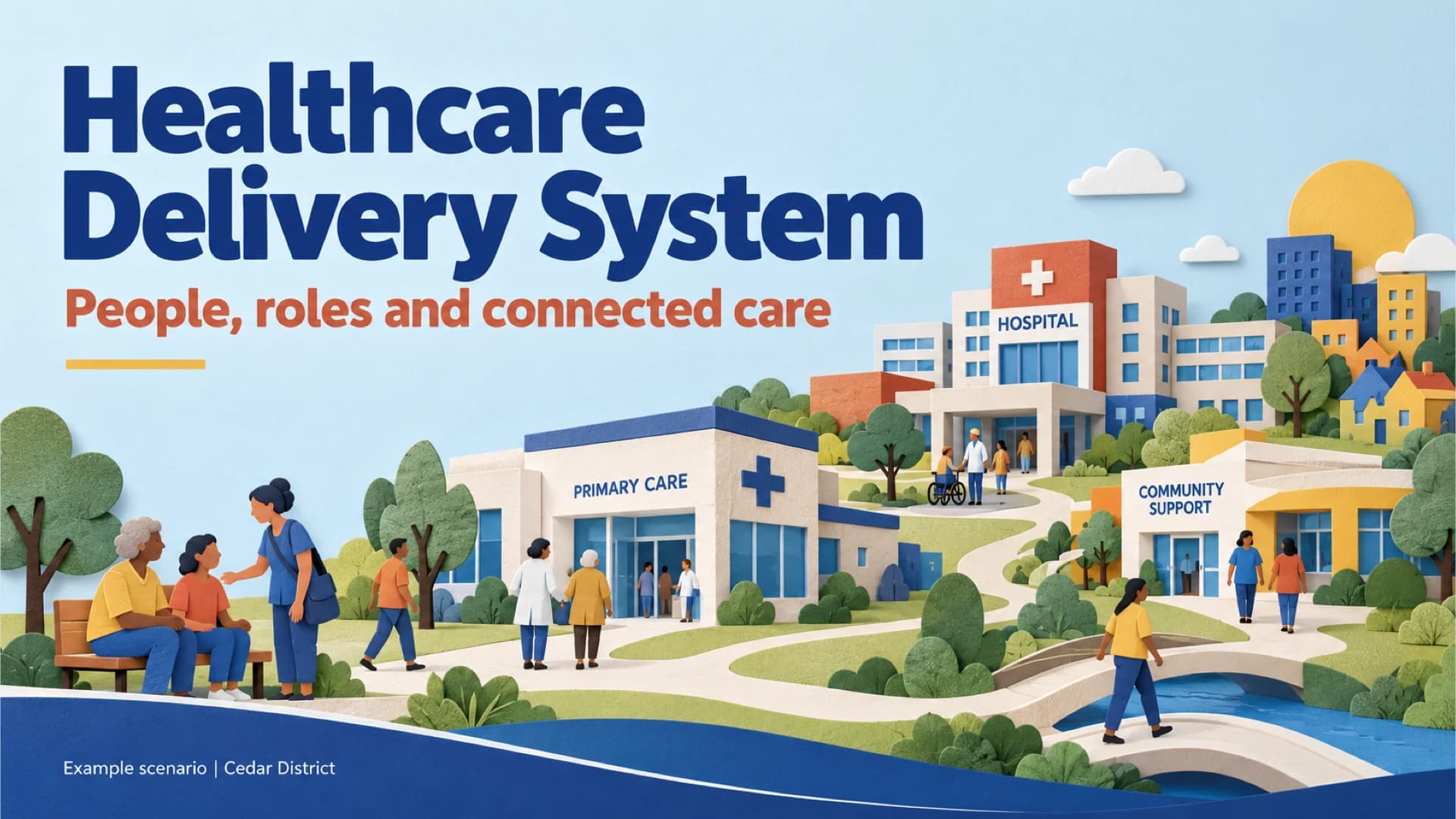
An illustrated cover introduces people, roles and connected care in the fictional Cedar District.
Four roles in connected care
Care teams, people and communities, funders and governance contribute different roles to a coordinated care journey.
Services across levels of care
Three fictional facilities illustrate primary, secondary and tertiary services; arrangements vary by setting.
A connected care journey
A fictional four-step journey follows Maya from Cedar Clinic through referral, a specialist summary and follow-up.
How resources reach services
A flow from resource collection to service delivery sits beside an illustrative 100-unit teaching budget.
Compare two fictional networks
A table contrasts first contact, referral coordination and follow-up in fictional Cedar and Harbor districts.
Map your own care network
A 12-minute group exercise asks learners to identify roles, map a referral and name a coordination gap.
From separate services to connected care
Three takeaways emphasize communities, visible responsibilities and connected services and information.
Best for
- Introduce the roles that connect patients, care teams, funders and governance
- Explain primary, secondary and tertiary care in a classroom
- Trace a fictional referral and follow-up journey
- Compare two example care networks and their coordination
- Guide a group exercise mapping a care network
Who this template is for
- Healthcare administration students
- Nursing students
- Health professions educators
- Care coordination trainers
Features of this template+
- Eight-slide sequence from system roles to a care-network exercise
- Illustrated four-step referral and return-summary journey
- Resource-flow diagram and clearly labelled illustrative teaching budget
- Side-by-side table comparing two fictional districts
- Paper-like community scenes with blue, coral and yellow accents