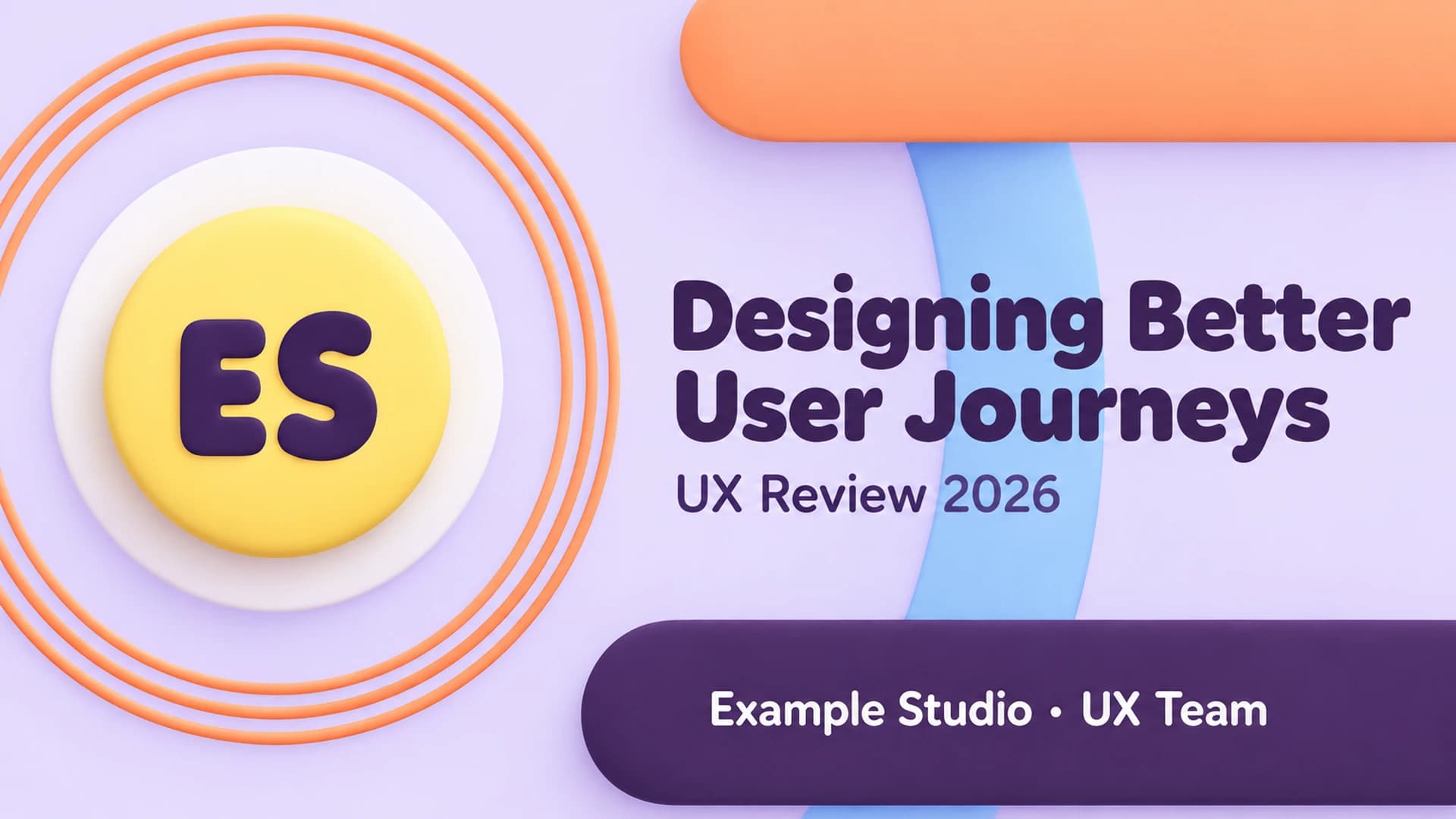
UX review cover with a clay ES badge surrounded by peach rings and a bold rounded title on a soft lavender background
Slide 1: UX review cover

Free template

UX Presentation Template for User Journey Reviews

This UX presentation template is built for a design review that moves from a clear problem to proven impact. The ten slides follow four chapters, Problem, Insights, Solution and Impact: a cover titled Designing Better User Journeys, an agenda, a problem slide with checkout drop-off and time-to-value figures, a What We Changed slide, user insights from twelve interviews, three personas, a prototype slide with three phone wireframes, a usability test chart that tracks task success across three rounds, an impact slide with conversion, task time, SUS and support metrics, and a closing thank-you slide. The signature element is motion. Peach and plum capsules cross into an X with a sky-blue pointer, and PowerPoint Morph transitions shift them between slides so each chapter change feels connected. Soft lavender backgrounds, butter-yellow accents, rounded bold type and 3D clay icons give the PPT deck a friendly, approachable look. The slides can be converted to Google Slides, but Morph animation plays only in PowerPoint versions that support it.

When your UX findings still live in a doc or spreadsheet, Deckgist's AI presentation maker can turn them into a structured, editable slide deck you can refine for your review.

Or use the template directly

No topic or upload needed

Format

16:9

Style

Interactive & Animated

Type

Dynamic (Morph)

Slides

10 slides

Category
Creative

What’s included

01

UX review cover

Cover slide titled Designing Better User Journeys with a UX Review 2026 label and an Example Studio UX Team credit.

Show full text
02

UX review agenda

Agenda slide listing four numbered chapters: Problem, Insights, Solution and Impact.

Show full text
03

UX problem metrics

Problem slide with four illustrative pain points: checkout drop-off at step 3, clicks to settings, time to first value and contrast issues.

Show full text
04

What we changed

Solution overview pairing each pain point with a fix, from a one-page checkout to WCAG 2.2 AA accessibility updates, marked as illustrative.

Show full text
05

User research insights

Insights slide summarising 12 example user interviews and three key needs: speed, clarity and trust.

Show full text
06

User personas

Persona slide with three example user personas: Busy Buyer, First-time User and Power Admin.

Show full text
07

Prototype wireframes

Prototype slide showing three phone wireframes for the Cart, Details and Done steps of the new flow.

Show full text
08

Usability test results

Usability test slide with an illustrative bar chart of task success rising from 58% to 91% over three versions, with 12 participants and 5 tasks.

Show full text
Show all 10 slides
09

UX impact metrics

Impact slide with four illustrative KPI tiles covering conversion, task time, SUS score and support tickets.

Show full text
10

UX review closing slide

Closing slide with the headline Let's Design What's Next, a thank-you line and a placeholder contact email.

Show full text

Best for

  • Present a UX review of a redesigned checkout or onboarding flow to stakeholders
  • Share user interview insights and key needs with a product team
  • Introduce user personas before a design workshop
  • Walk a team through prototype wireframes and usability test rounds
  • Report conversion, task time and SUS score improvements after a release
  • Present a UX project in a design portfolio review or job interview

Who this template is for

  • UX and UI designers
  • UX researchers
  • Product managers
  • Design leads and agencies
  • Students preparing UX portfolio presentations
Features of this template+
  • PowerPoint Morph transitions that move crossed peach and plum capsules with a sky-blue pointer as a chapter marker
  • Four-chapter UX review storyline: Problem, Insights, Solution and Impact
  • Problem and What We Changed slides pairing pain-point metrics with matching fixes
  • Three persona cards, three phone wireframes and a three-round usability bar chart
  • Impact slide with four KPI tiles for conversion, task time, SUS score and support tickets
  • Clay pastel palette with lavender backgrounds, rounded bold headings and 3D clay icons on editable 16:9 slides that convert to Google Slides, with Morph playback limited to PowerPoint versions that support it
Related presentation templates

UX Case Study Presentation

UX Case Study Presentation

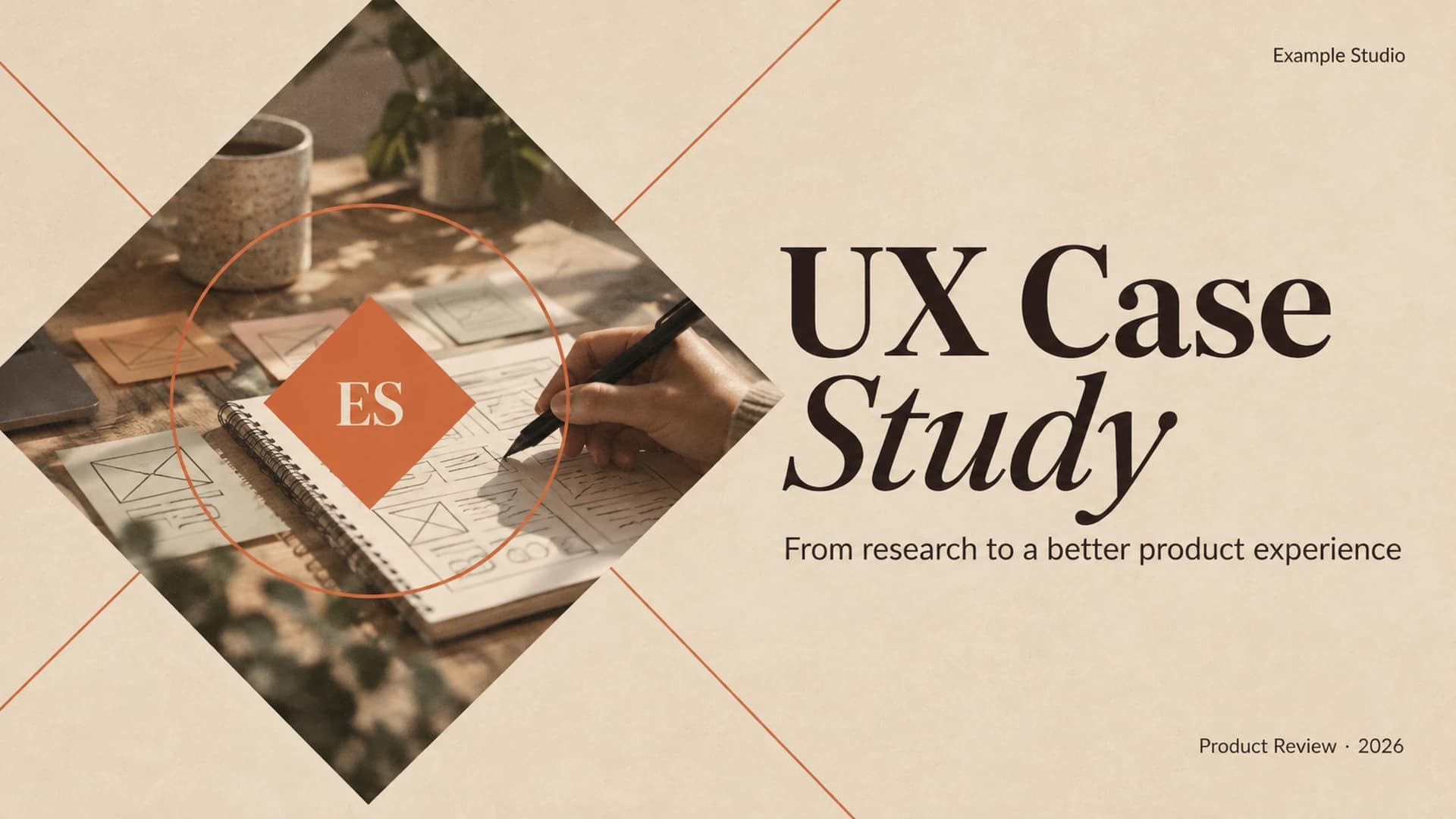
Walk stakeholders from user research to measurable results with this animated UX case study deck. An espresso-brown Morph dial rotates through research insights, a persona, a journey map, wireframes and usability testing, ending with SUS results and a roadmap. Deckgist's separate AI maker can also draft a new deck from your research notes.

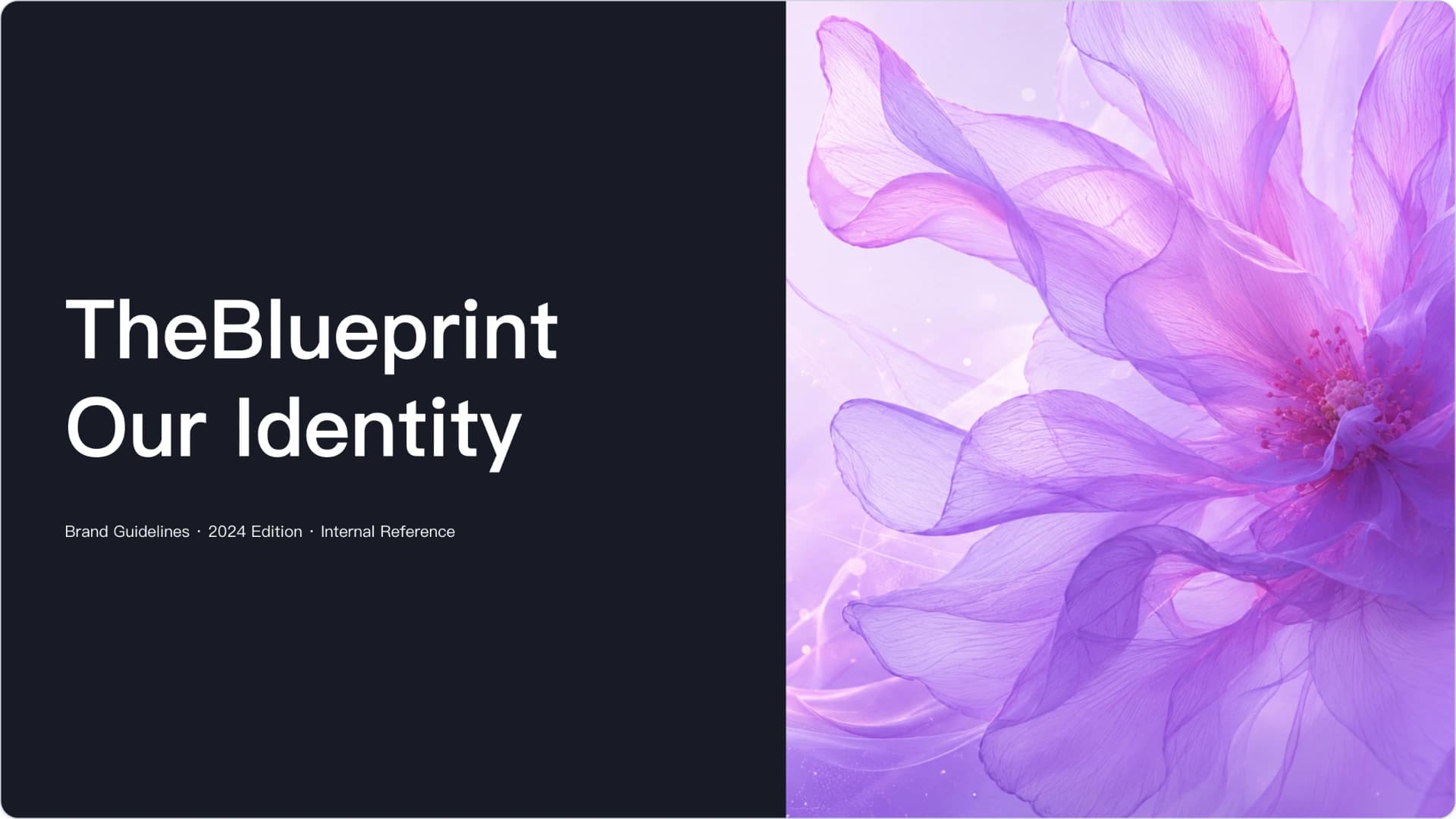
Elegant Purple Floral Executive Leadership and Business Transformation PowerPoint Template

Elegant Purple Floral Executive Leadership and Business Transformation PowerPoint Template

An elegant purple floral PowerPoint template designed for executive leadership, strategic alignment, organizational transformation, change management, business growth strategy, leadership training, and consulting presentations. Featuring soft lavender visuals, clean layouts, strategic framework slides, market dynamics sections, and transformation roadmap pages, this template is ideal for executives, consultants, coaches, corporate teams, and leadership workshops.

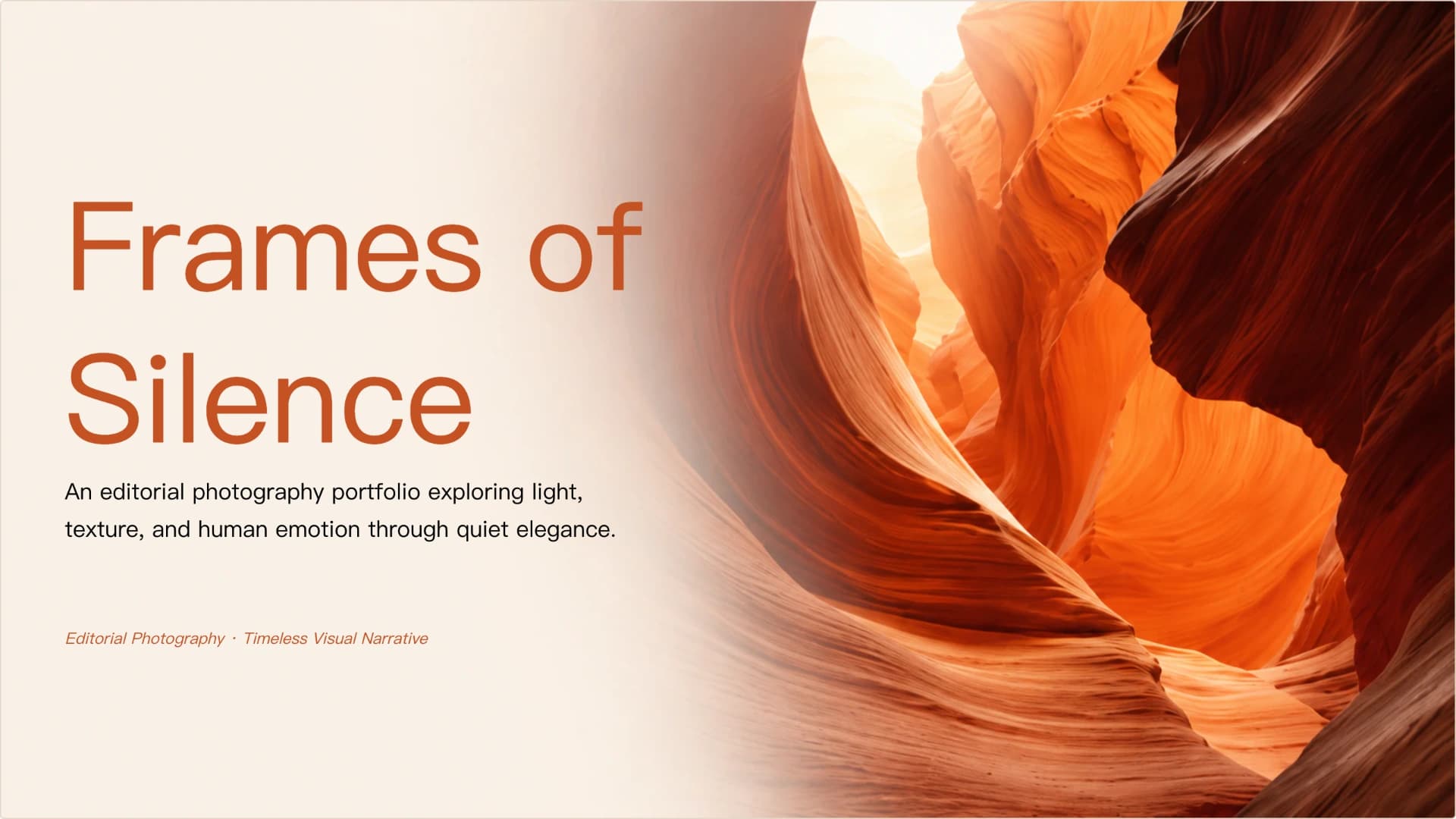
Warm Desert Editorial Photography Portfolio and Visual Storytelling PowerPoint Template

Warm Desert Editorial Photography Portfolio and Visual Storytelling PowerPoint Template

A warm desert editorial photography portfolio PowerPoint template designed for photographers, visual storytellers, commercial photography studios, brand photography proposals, art direction presentations, creative portfolios, travel photography, nature photography, and visual narrative showcases. Featuring large canyon imagery, warm terracotta tones, clean editorial layouts, curated project galleries, creative workflow slides, service pages, and client value sections, this template is ideal for photographers, creative studios, art directors, agencies, and lifestyle brands.

Comprehensive Brand Guidelines presentation Template

Comprehensive Brand Guidelines presentation Template

Establish a cohesive brand identity with this comprehensive brand guidelines presentation template. It covers mission, voice, logo usage, color palettes, typography, and visual harmony to ensure consistency across all touchpoints.

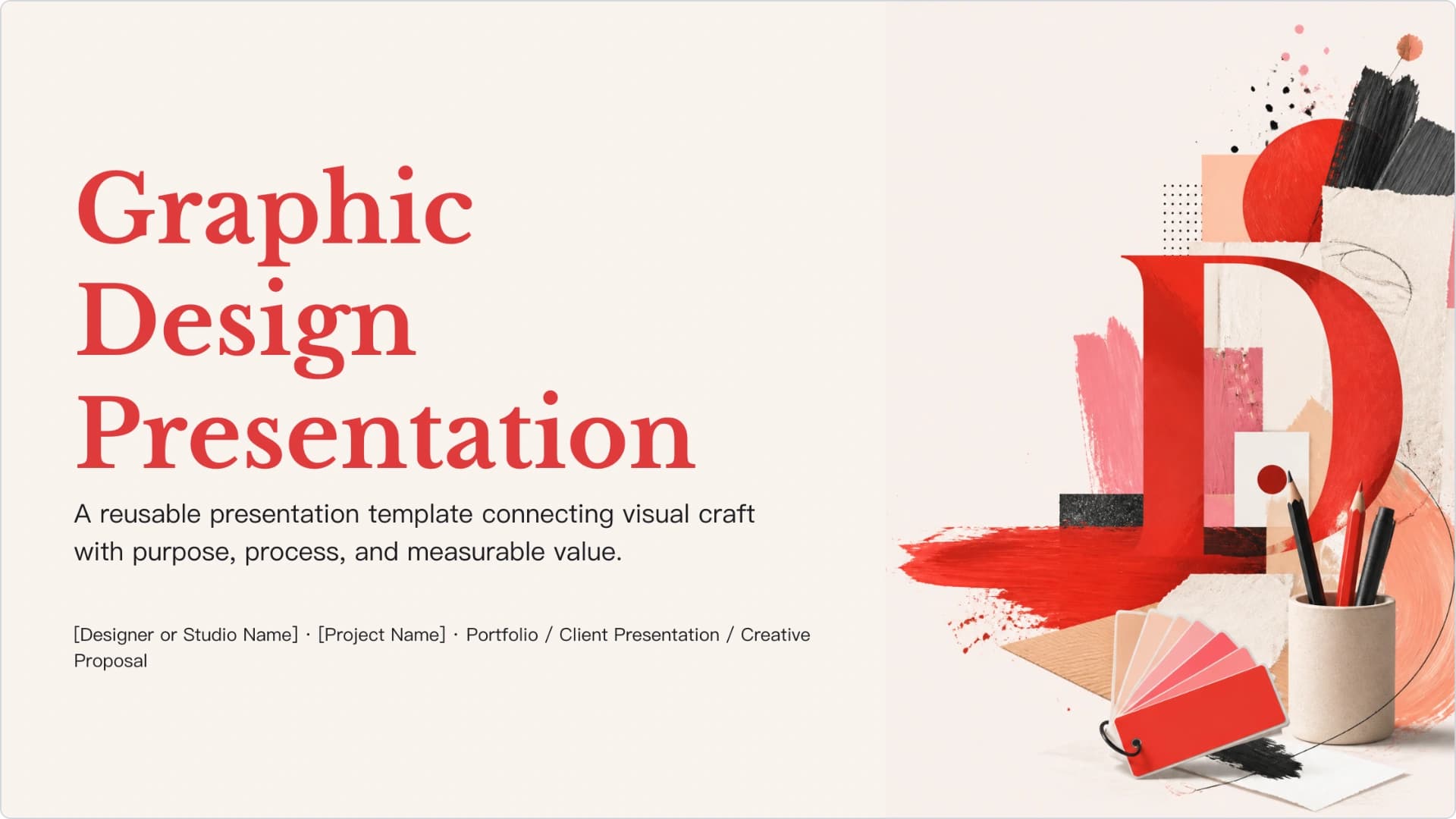
Graphic Design Creative Direction & Portfolio Template

Graphic Design Creative Direction & Portfolio Template

Create a graphic design presentation that connects the brief, creative direction, design process, applications, and outcomes. Bold collage imagery, brush textures, coral-pink accents, and editorial typography give the PPT deck a distinctive studio feel, while AI can organize a creative brief or portfolio notes into editable slides.

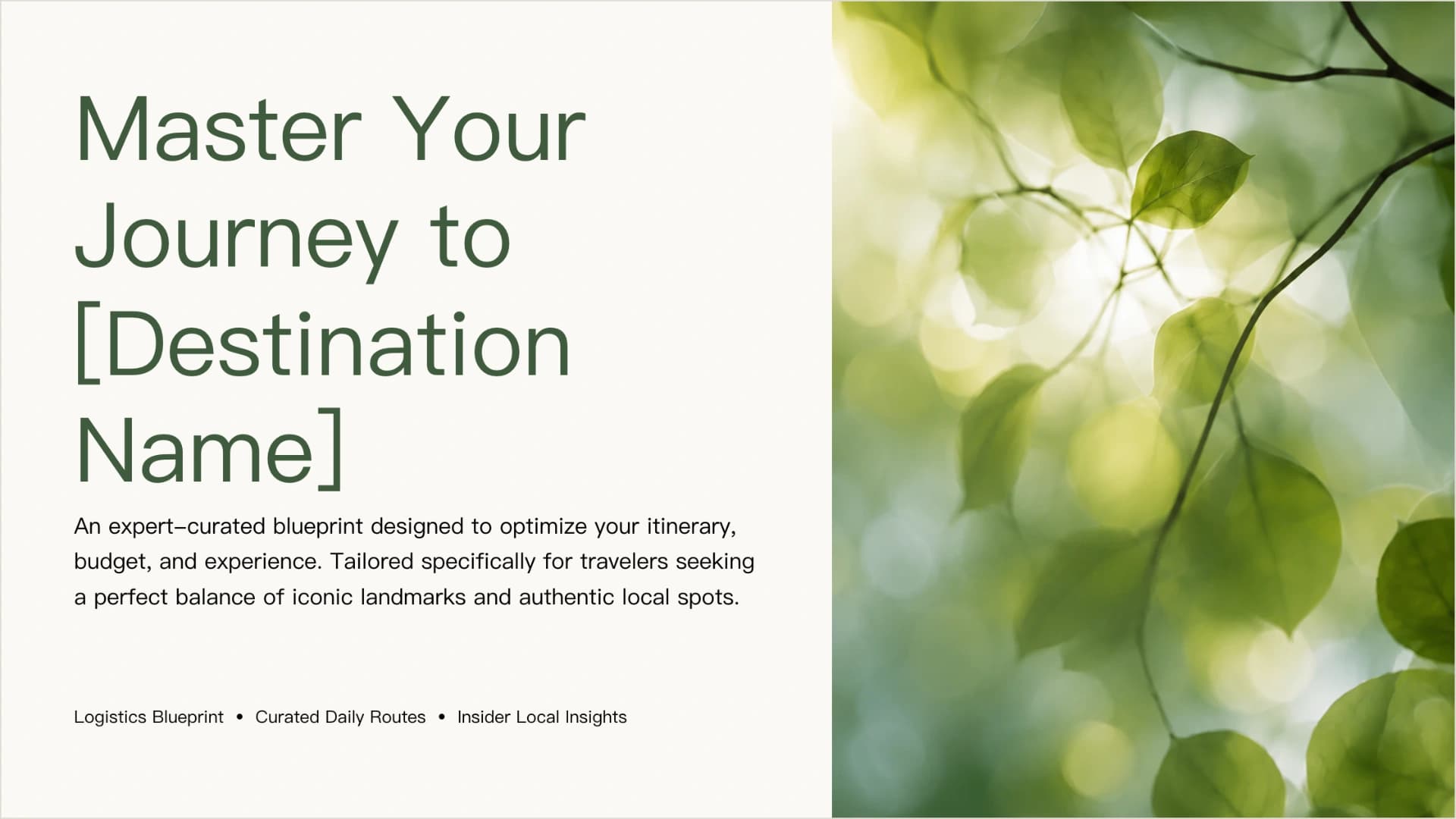
AI Travel Itinerary & Destination Guide Presentation Template

AI Travel Itinerary & Destination Guide Presentation Template

A polished travel itinerary template for presenting destination highlights, daily routes, logistics, budgets, local tips, and must-see attractions. Use AI to turn travel notes, PDFs, booking details, or trip briefs into an editable, structured journey guide.

Christmas Storytelling & Holiday Campaign Framework

Christmas Storytelling & Holiday Campaign Framework

Create a structured Christmas presentation for holiday campaigns, celebrations, community messages, and year-end communication. The deck combines festive storytelling frameworks, journey planning, participation prompts, proof points, and calls to action with warm Christmas photography. AI can turn event or campaign notes into editable presentation slides.

Christmas Wishlist Planner & Gift Guide Presentation

Christmas Wishlist Planner & Gift Guide Presentation

Build a practical Christmas wishlist planner with slides for buyer-ready gift details, categories, priority levels, price tiers, personal notes, and a final sharing checklist. The warm red, evergreen, cream, and gold visual system pairs clean layouts with festive photography, while AI can help organize your notes into an editable presentation.

Popular presentation templates

Dark Cybersecurity Board Risk & Oversight Presentation

Dark Cybersecurity Board Risk & Oversight Presentation

Create a board-ready cybersecurity presentation covering threat exposure, business impact, governance, metrics, investment priorities, and a phased roadmap. The dark navy PPT deck uses executive cards, a risk-impact comparison, a donut chart, and roadmap graphics. Use AI to organize briefs or reports into editable slides.

Product Presentation with Indigo Glass Morph Transitions

Product Presentation with Indigo Glass Morph Transitions

Introduce a new product in ten slides: a three-pillar overview, one focus slide per selling point with key specs, progress check-ins, pricing tiers and a launch timeline. Glowing blue, teal and violet glass shapes move between slides with PowerPoint Morph. Deckgist's separate AI maker can also draft a new deck from your launch brief.

Executive Summary Slide Deck with KPI Table and Decision Callouts

Executive Summary Slide Deck with KPI Table and Decision Callouts

Create a decision-first executive summary presentation that puts results, the ask, risks and next steps on one slide, then supports it with revenue, KPI, budget and timeline slides. The ivory, navy and burgundy boardroom style uses sunlit still-life photography. Deckgist's AI presentation maker can also draft a new deck from your reports.

Funny Presentation Template with Paper-Cut Banana Meeting Characters

Funny Presentation Template with Paper-Cut Banana Meeting Characters

Use this funny presentation template to poke fun at long meetings while still landing a clear message: a cast of meeting characters, before/after phrase rewrites and a three-step plan. Paper-cut banana illustrations on peach keep the PowerPoint slides light, and Deckgist's AI maker can draft a new deck from your notes.