Clickable presentation cover reading Choose your next move with a Start exploring button over an aerial photo of a winding coastal road at sunset
Slide 1: Choose your next move cover

Free template

Clickable Presentation Template with a Navigation Hub for Strategy Decisions

This clickable presentation template turns a strategy conversation into a slide deck the audience can steer. After a cover with a Start exploring button, a navigation hub asks where to begin and offers three photo cards, Discover, Compare and Decide, that link to their sections. Content slides carry a Home link back to the hub plus a link onward, so a consultant can jump to whatever the room wants to discuss. The example story follows the fictional Waypoint Advisory and Harbor Co.: a three-step handoff diagram frames the challenge, a table rates three paths by effort and benefit, a bar chart shows illustrative benefit scores, a decision slide names an owner and timing, and a four-week timeline turns the pilot into a plan before a closing slide invites the group to explore again. Full-bleed coastal sunset photography, lighthouses and winding paths sit behind navy overlays, white sans-serif headlines and blue-to-violet gradient accents, a look suited to consulting PowerPoint templates for client workshops. The editable PPT slides can also be opened through Google Slides conversion.

Explore Deckgist's AI presentation generator to turn client briefs or workshop notes into a structured, editable slide deck for your next decision meeting.

Or use the template directly

No topic or upload needed

Format

16:9

Style

Modern

Slides

8 slides

Category
Business

What’s included

01

Choose your next move cover

Cover slide for an interactive strategy conversation by the example firm Waypoint Advisory, with a Start exploring button over coastal sunset scenery.

Show full text
02

Where should we begin? navigation hub

Navigation hub with three photo cards linking to the Discover, Compare and Decide sections, inviting the presenter to choose a route and return anytime.

Show full text
03

Discover the challenge

Problem slide for the example client Harbor Co. showing that sales owns intake, service owns delivery and there is no shared handoff checklist.

Show full text
04

Compare three paths

Options table comparing a checklist, a shared workspace and a workflow redesign by effort level and expected benefit.

Show full text
05

Read the signals

Horizontal bar chart of illustrative benefit scores on a 0 to 5 scale for the three options, labeled as illustrative data.

Show full text
06

Decide the next move

Decision slide recommending a shared workspace pilot with one service team, with an example owner and November 2026 timing.

Show full text
07

Turn the decision into a plan

Four-week timeline with milestones to map handoffs in week one, launch the pilot in week two and review results in week four.

Show full text
08

Keep the conversation moving

Closing slide inviting the audience to choose another route or agree the next step, with an Explore again link back to the hub.

Show full text

Best for

  • Run a client workshop where the audience chooses which section to discuss first
  • Present a customer handoff problem and three improvement options to leadership
  • Compare solution paths by effort and benefit before recommending a pilot
  • Announce a decision with a named owner, timing and four-week rollout plan
  • Build a self-guided strategy deck that viewers navigate from a home hub

Who this template is for

  • Management consultants
  • Strategy and operations leads
  • Customer success and service managers
  • Internal transformation teams
  • Workshop facilitators
Features of this template+
  • Navigation hub slide with three linked route cards for Discover, Compare and Decide
  • Home and next-section links in the footer of each content slide for non-linear flow
  • Options table rating effort and benefit, plus a 0-5 illustrative benefit bar chart
  • Decision slide with owner and timing fields and a four-week milestone timeline
  • Full-bleed coastal sunset photography with navy overlays and blue-to-violet gradient headlines
  • Editable PowerPoint slide layouts that can be opened in Google Slides via conversion
Related presentation templates

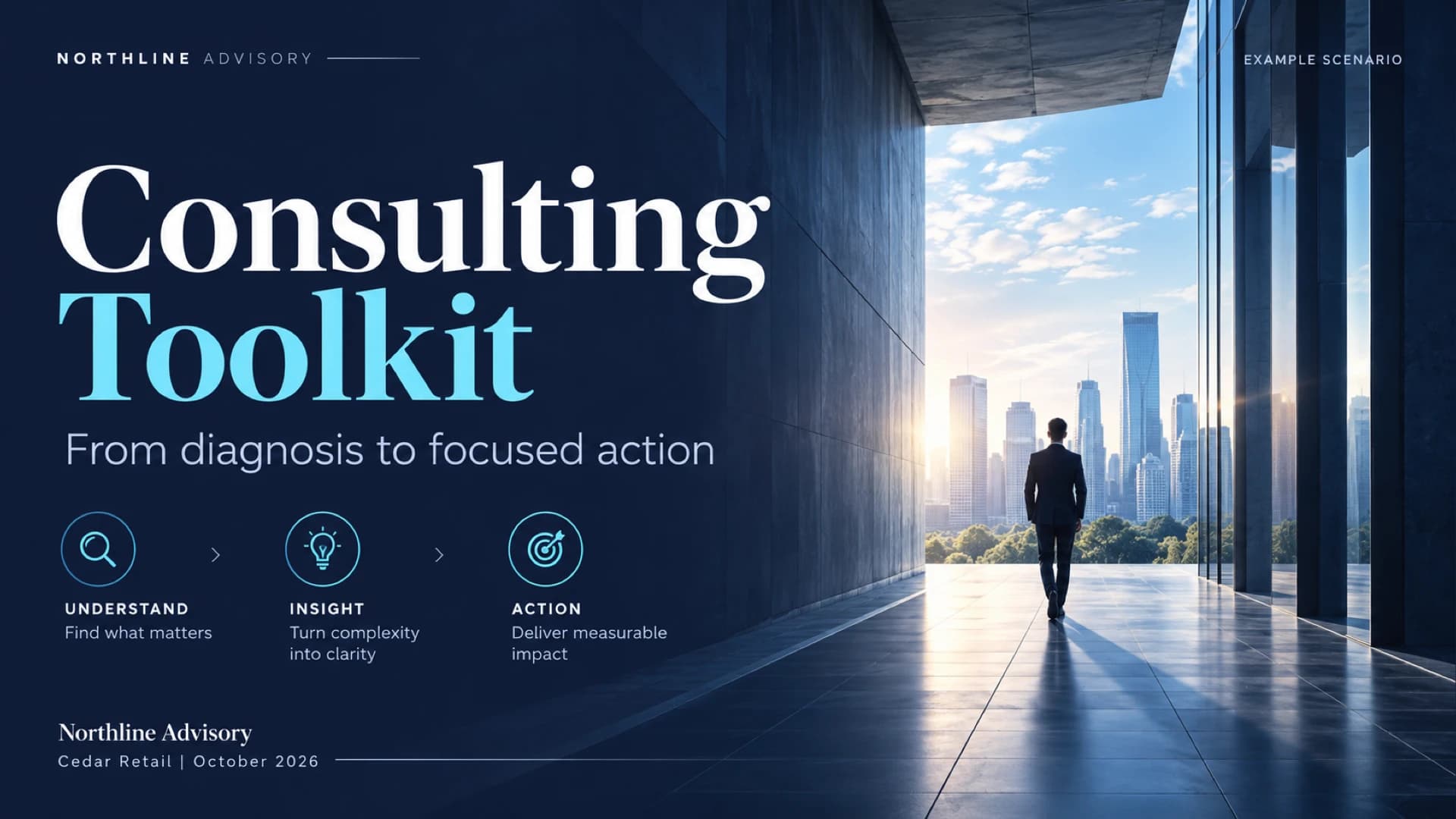
Consulting Toolkit Template with Opportunity Scoring and Risk Slides

Consulting Toolkit Template with Opportunity Scoring and Risk Slides

Present a client diagnostic engagement from opportunity scoring to owners, timeline and delivery risks. This dark consulting presentation template uses indigo architectural photography, serif headlines and native tables, and you can start a fresh deck from your own notes with Deckgist's general AI maker.

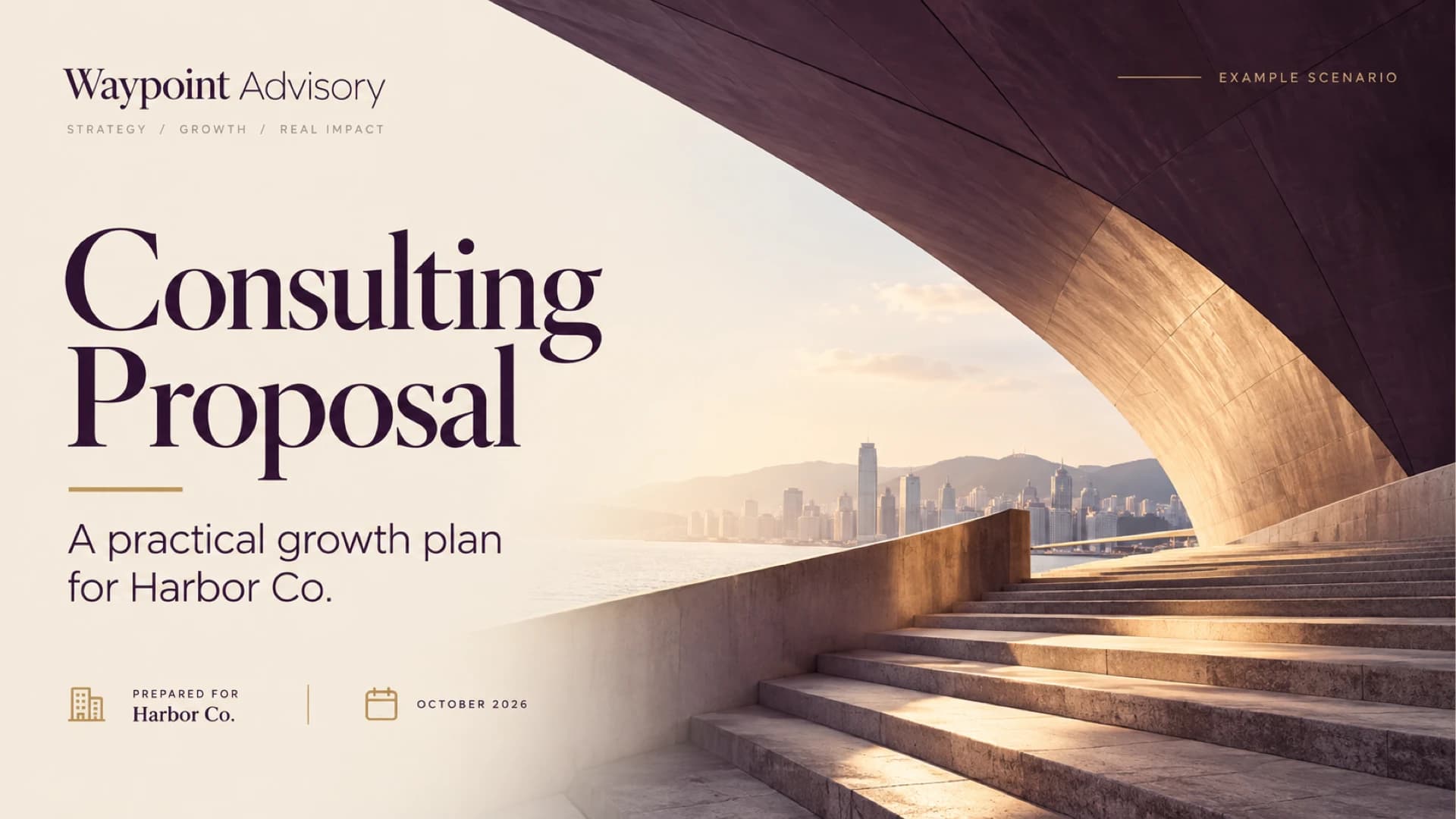
Consulting Proposal Template with Phased Scope and Fee Slides

Consulting Proposal Template with Phased Scope and Fee Slides

Build a client-ready consulting proposal deck that moves from the client challenge to a three-phase approach, a phased fee chart and a roles table. This PowerPoint template uses a plum, ivory and brass editorial style with serif headlines, and the presentation slides can also be opened in Google Slides.

Business Slides Presentation for a Copper Quarterly Business Review

Business Slides Presentation for a Copper Quarterly Business Review

Build a quarterly business review deck that moves from revenue vs plan and executive KPIs to customer outcomes, a delivery scorecard, risks and a Q4 roadmap. Dark charcoal slides with copper gradient headlines set this PowerPoint template apart, and Deckgist's separate AI maker can draft new decks from your own reports.

Thank You PowerPoint Slides with Warm Terracotta Paper Ribbons

Thank You PowerPoint Slides with Warm Terracotta Paper Ribbons

End a talk, workshop or client meeting with eight thank you slides that each do a different job, from Q&A and contact details to next steps, team credits and feedback. Terracotta paper ribbons and serif headlines give any business slides presentation a warm close in PowerPoint or Google Slides, and Deckgist's AI presentation maker can draft the main deck.

Company Presentation with Bold Orange and Aubergine Geometric Design

Company Presentation with Bold Orange and Aubergine Geometric Design

Build a company presentation that introduces your services, delivery approach and team in eight slides. Oversized aubergine headlines and angled orange shapes frame a revenue-by-service bar chart, a four-step process and an 8-week engagement timeline. Download it as a PPT presentation, or draft a fresh deck from notes with Deckgist's AI presentation maker.

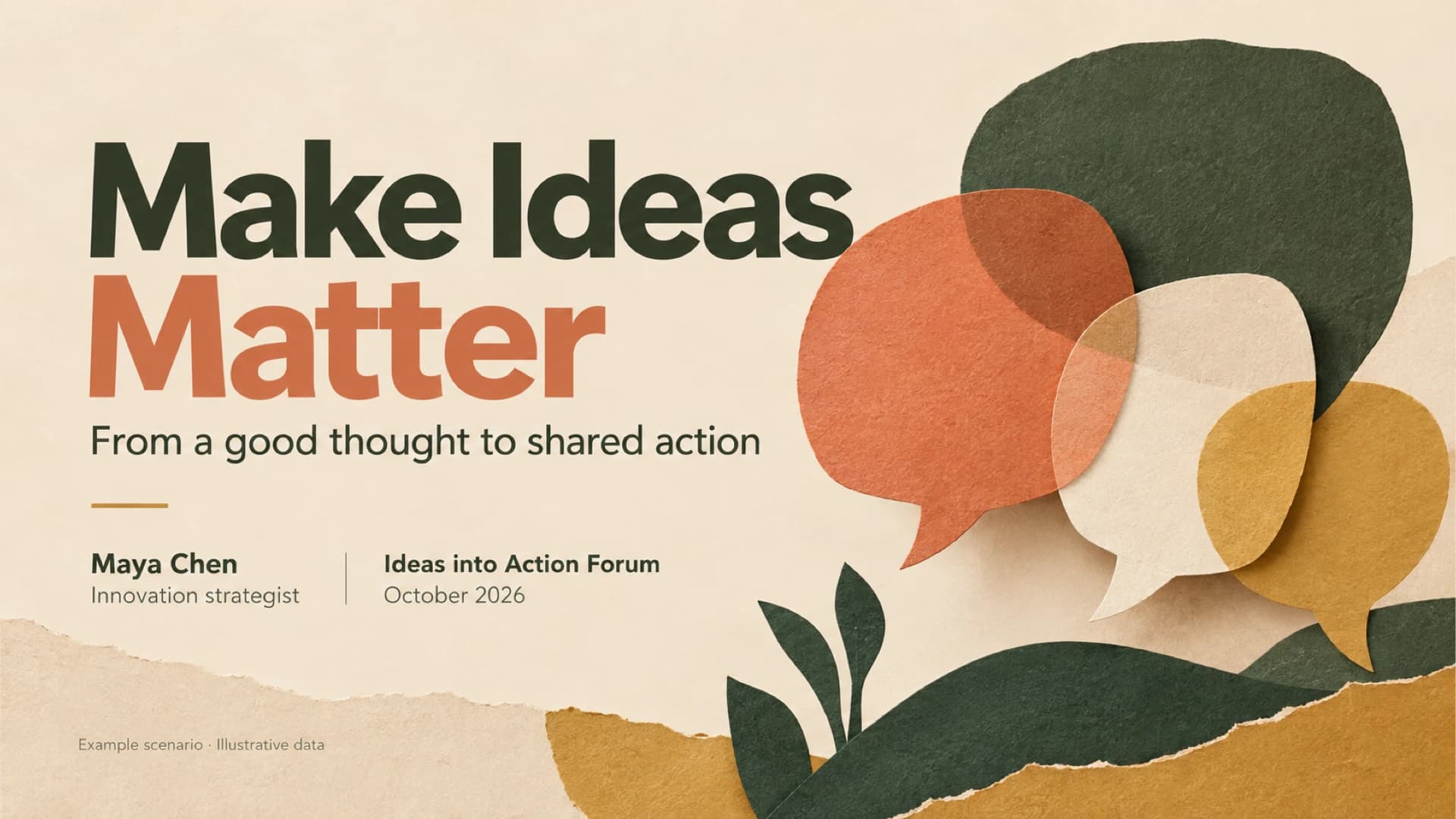
Speaker Slides with Paper-Cut Art for an Ideas-to-Action Talk

Speaker Slides with Paper-Cut Art for an Ideas-to-Action Talk

Give a conference or team talk that moves an audience from a good idea to a named owner and a dated next step. These speaker slides pair a poll bar chart, a before-and-after example and an owner table with oatmeal paper-cut art in green, coral and ochre, as an editable PowerPoint template. Deckgist's AI maker can also draft a new deck from talk notes.

Onboarding Presentation Template with Warm Photos and 30-Day Path

Onboarding Presentation Template with Warm Photos and 30-Day Path

Welcome new hires with an eight-slide onboarding deck that maps Day 1 to Day 30 with named guides, introduces the support team and everyday tools, and closes with next steps. Warm office photography, ivory backgrounds and forest-green and terracotta type set this human resources presentation apart for PowerPoint or Google Slides.

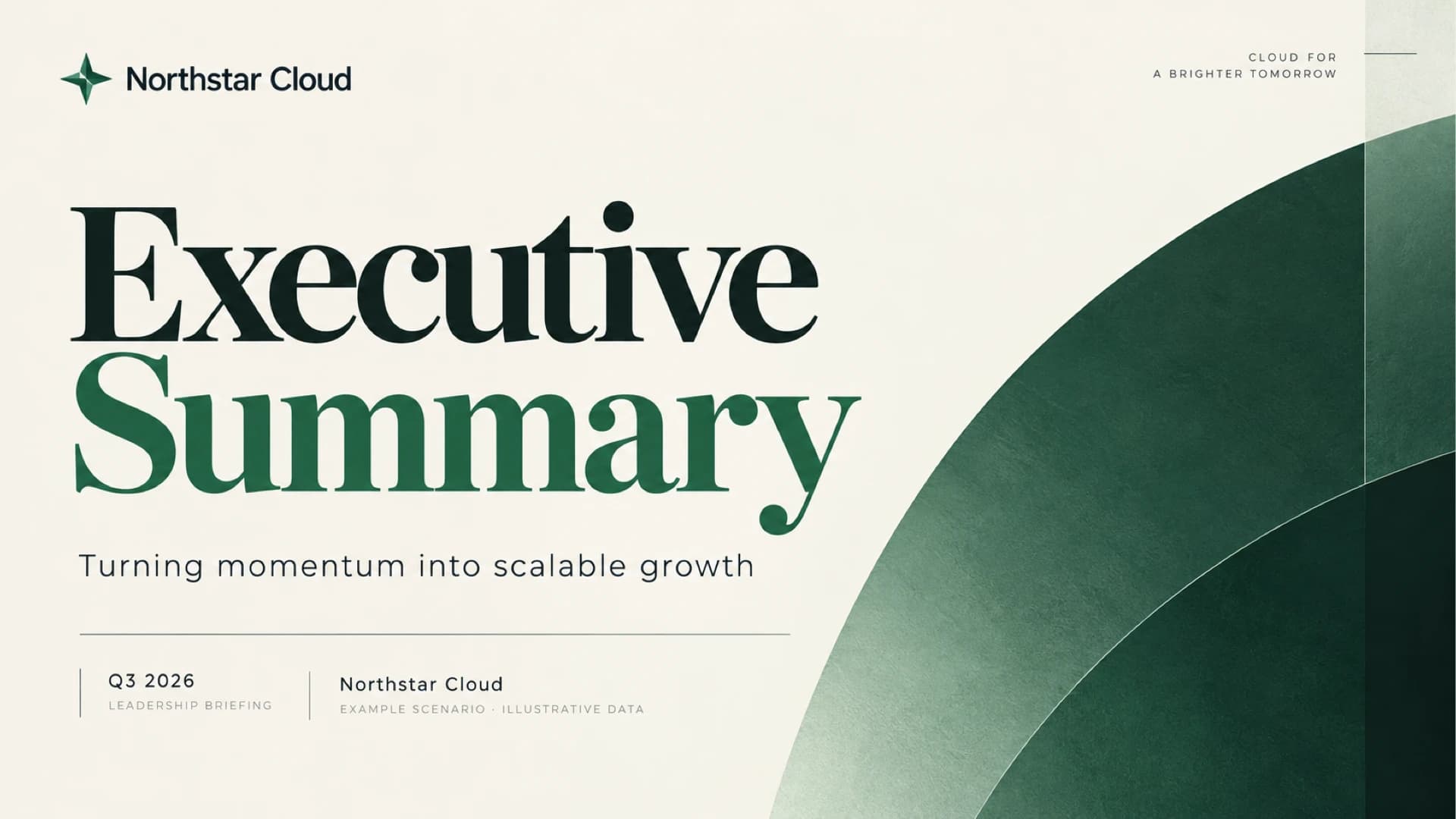
Executive Summary Slide Deck for a 90-Day Growth Plan Briefing

Executive Summary Slide Deck for a 90-Day Growth Plan Briefing

Brief leadership on quarterly results and win approval for a 90-day plan with this eight-slide executive summary deck. A KPI strip, revenue bar charts, a priorities table and a risk-to-owner row sit on ivory pages with deep green arcs. Use it as a business slides presentation in PowerPoint or Google Slides.

Popular presentation templates

Dark Cybersecurity Board Risk & Oversight Presentation

Dark Cybersecurity Board Risk & Oversight Presentation

Create a board-ready cybersecurity presentation covering threat exposure, business impact, governance, metrics, investment priorities, and a phased roadmap. The dark navy PPT deck uses executive cards, a risk-impact comparison, a donut chart, and roadmap graphics. Use AI to organize briefs or reports into editable slides.

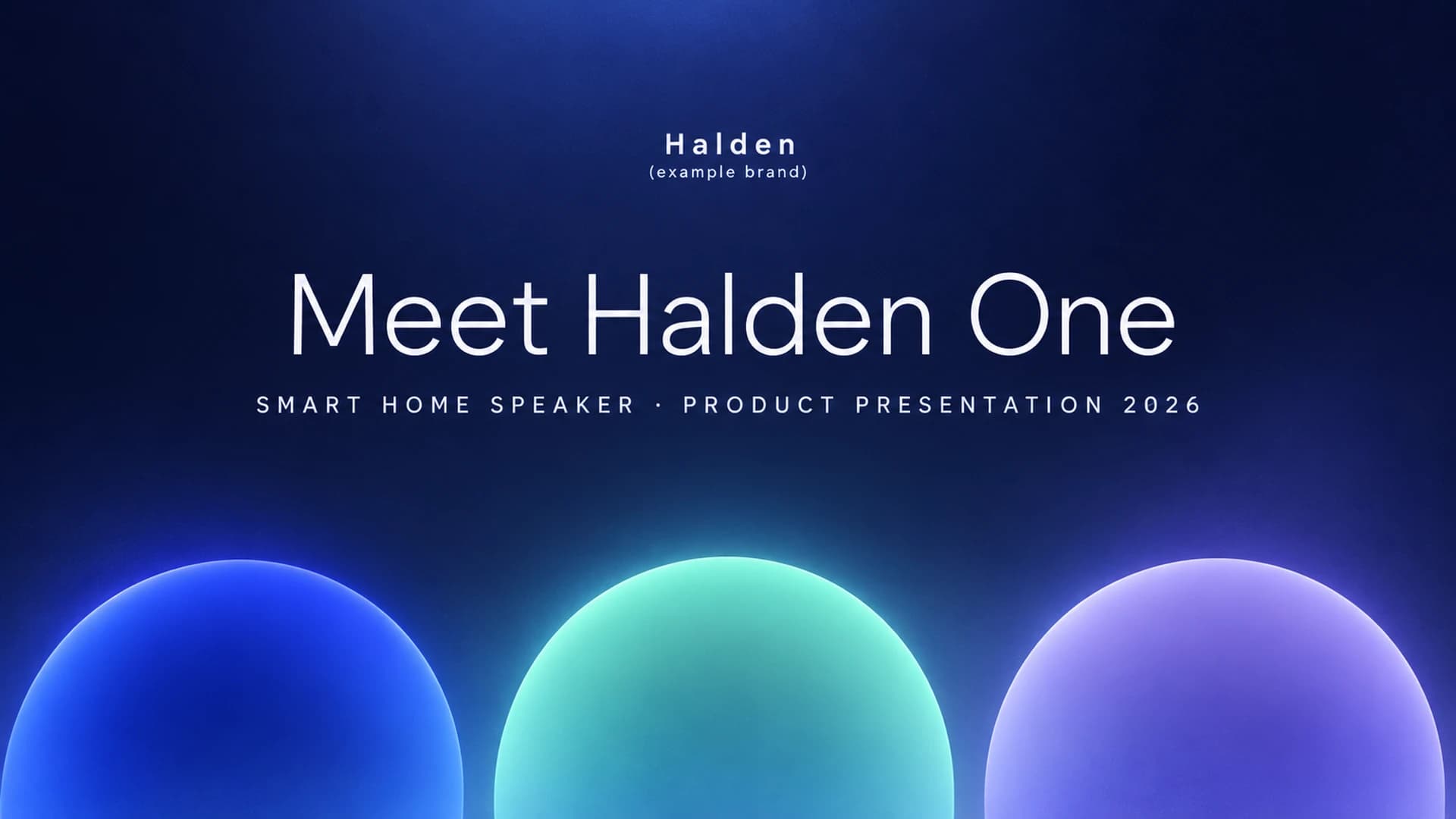
Product Presentation with Indigo Glass Morph Transitions

Product Presentation with Indigo Glass Morph Transitions

Introduce a new product in ten slides: a three-pillar overview, one focus slide per selling point with key specs, progress check-ins, pricing tiers and a launch timeline. Glowing blue, teal and violet glass shapes move between slides with PowerPoint Morph. Deckgist's separate AI maker can also draft a new deck from your launch brief.

UX Review Presentation

UX Review Presentation

Present a UX review from the problem to measured impact with this clay pastel Morph deck. Crossed peach and plum capsules mark four chapters while slides cover checkout drop-off, research insights, personas, phone wireframes, usability test rounds and conversion gains. Deckgist's separate AI maker can also draft a new deck from your own UX notes.

Executive Summary Slide Deck with KPI Table and Decision Callouts

Executive Summary Slide Deck with KPI Table and Decision Callouts

Create a decision-first executive summary presentation that puts results, the ask, risks and next steps on one slide, then supports it with revenue, KPI, budget and timeline slides. The ivory, navy and burgundy boardroom style uses sunlit still-life photography. Deckgist's AI presentation maker can also draft a new deck from your reports.