New employee onboarding cover slide with the headline Welcome to Northstar, subtitle Your first 30 days and a photo of smiling colleagues at a laptop
Slide 1: Welcome to Northstar: your first 30 days

Free template

Onboarding Presentation Template with a Warm Photo Style and 30-Day Path

This onboarding presentation template gives HR teams and hiring managers an eight-slide welcome deck for a new employee's first month at a fictional company called Northstar. It opens with a photo-led cover, then lays out a four-stage timeline (Day 1, Week 1, Week 2 and Day 30) in which each stage names a guide from People, the manager or a buddy and states a clear outcome, such as accounts ready or first task completed with support. The following slides explain what the company does across product, design and engineering, introduce three support-team members with circular portraits, and list the everyday tools in a simple Tool and Use table. The second half covers ways of working through three numbered principles, a three-step first contribution flow and a closing next-steps slide. As a human resources presentation it uses warm office photography, ivory backgrounds, organic forest-green shapes, thin terracotta lines and bold rounded headings. The editable PPT slides download for PowerPoint and can be converted for Google Slides.

For a fresh deck built from your own material, try the Deckgist AI presentation maker to turn an onboarding checklist or HR handbook notes into a structured, editable presentation.

Or use the template directly

No topic or upload needed

Format

16:9

Style

Aesthetic

Slides

8 slides

Category
Business

What’s included

01

Welcome to Northstar: your first 30 days

Onboarding cover welcoming a new employee to the example company Northstar, with the subtitle Your first 30 days and a warm office photo.

Show full text
02

Your first 30 days timeline

A four-stage onboarding path from arrival to contribution, with a named guide and an expected outcome for Day 1, Week 1, Week 2 and Day 30.

Show full text
03

What we do

Company overview stating that the team builds tools that make everyday work simpler, split into product, design and engineering.

Show full text
04

Meet your support team

Three key people who help a new hire settle in: a people partner, a manager and a buddy, each linked to an onboarding focus.

Show full text
05

Your everyday toolkit

A table of the key tools a new employee uses from day one and what each one is for.

Show full text
06

How we work together

Three numbered team principles for new employees: make work visible, document decisions and give specific, kind feedback.

Show full text
07

Your first contribution

A three-step flow for making a first impact: choose a small task with the manager, pair with a buddy and share what was learned.

Show full text
08

Ready for your next chapter

Closing slide with next steps after the first month: confirm next goals, keep the support circle and bring questions to the next check-in.

Show full text

Best for

  • Welcoming a new hire on their first day with a 30-day onboarding overview
  • Mapping Day 1, Week 1, Week 2 and Day 30 milestones with a named guide for each stage
  • Introducing the people partner, manager and buddy who support a new employee
  • Walking new starters through the chat, workspace and task tools used from day one
  • Agreeing a first small task and the next goals at the end of the first month

Who this template is for

  • HR and people operations teams
  • Hiring managers
  • Onboarding buddies
  • Team leads welcoming new members
  • Talent and onboarding coordinators
Features of this template+
  • Four-stage Day 1 to Day 30 timeline with a guide and an outcome for each stage
  • Support-team slide with circular portrait photos, roles and matching focus areas
  • Tool and Use table with icons for chat, workspace and task board
  • Three numbered ways-of-working principles set in oversized pastel numerals
  • Warm office photography on ivory with forest-green waves and terracotta accent lines
  • Editable 16:9 PowerPoint slides with a Google Slides conversion option

Related presentation templates

Thank You PowerPoint Slides with Warm Terracotta Paper Ribbons

Thank You PowerPoint Slides with Warm Terracotta Paper Ribbons

End a talk, workshop or client meeting with eight thank you slides that each do a different job, from Q&A and contact details to next steps, team credits and feedback. Terracotta paper ribbons and serif headlines give any business slides presentation a warm close in PowerPoint or Google Slides, and Deckgist's AI presentation maker can draft the main deck.

Company Presentation with Bold Orange and Aubergine Geometric Design

Company Presentation with Bold Orange and Aubergine Geometric Design

Build a company presentation that introduces your services, delivery approach and team in eight slides. Oversized aubergine headlines and angled orange shapes frame a revenue-by-service bar chart, a four-step process and an 8-week engagement timeline. Download it as a PPT presentation, or draft a fresh deck from notes with Deckgist's AI presentation maker.

Speaker Slides with Paper-Cut Art for an Ideas-to-Action Talk

Speaker Slides with Paper-Cut Art for an Ideas-to-Action Talk

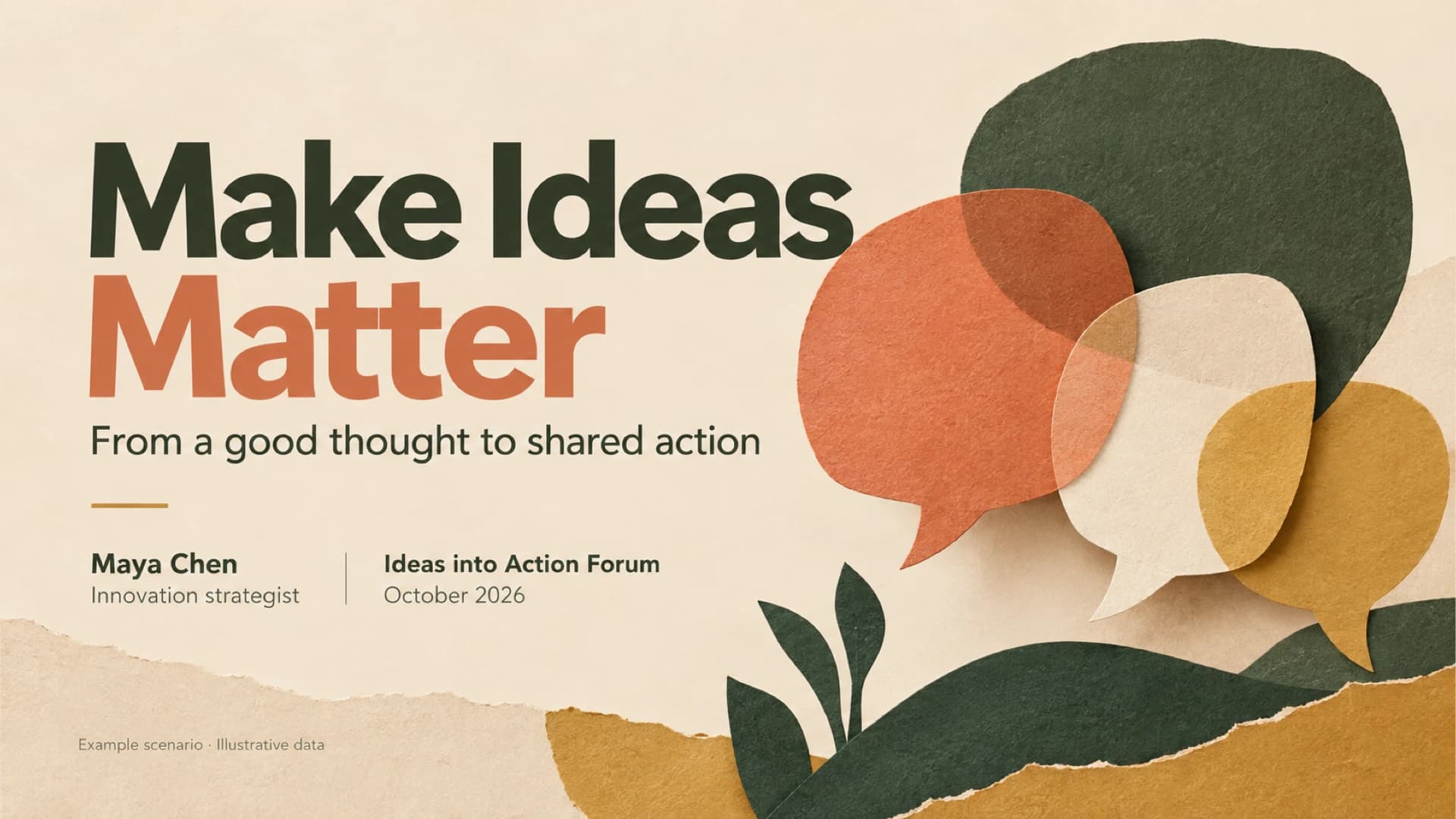
Give a conference or team talk that moves an audience from a good idea to a named owner and a dated next step. These speaker slides pair a poll bar chart, a before-and-after example and an owner table with oatmeal paper-cut art in green, coral and ochre, as an editable PowerPoint template. Deckgist's AI maker can also draft a new deck from talk notes.

Executive Summary Slide Deck for a 90-Day Growth Plan Briefing

Executive Summary Slide Deck for a 90-Day Growth Plan Briefing

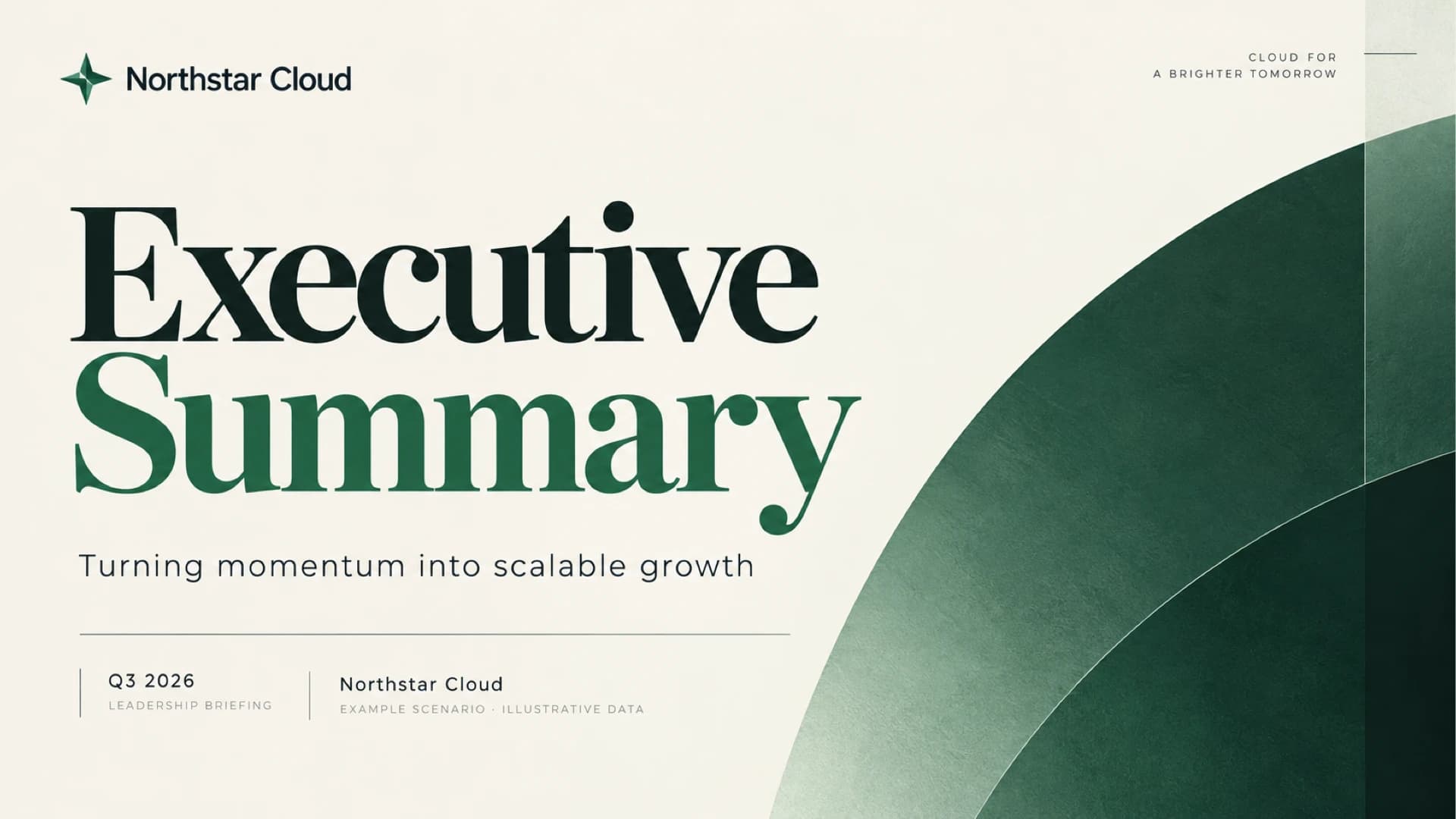
Brief leadership on quarterly results and win approval for a 90-day plan with this eight-slide executive summary deck. A KPI strip, revenue bar charts, a priorities table and a risk-to-owner row sit on ivory pages with deep green arcs. Use it as a business slides presentation in PowerPoint or Google Slides.

Product Presentation with Indigo Glass Morph Transitions

Product Presentation with Indigo Glass Morph Transitions

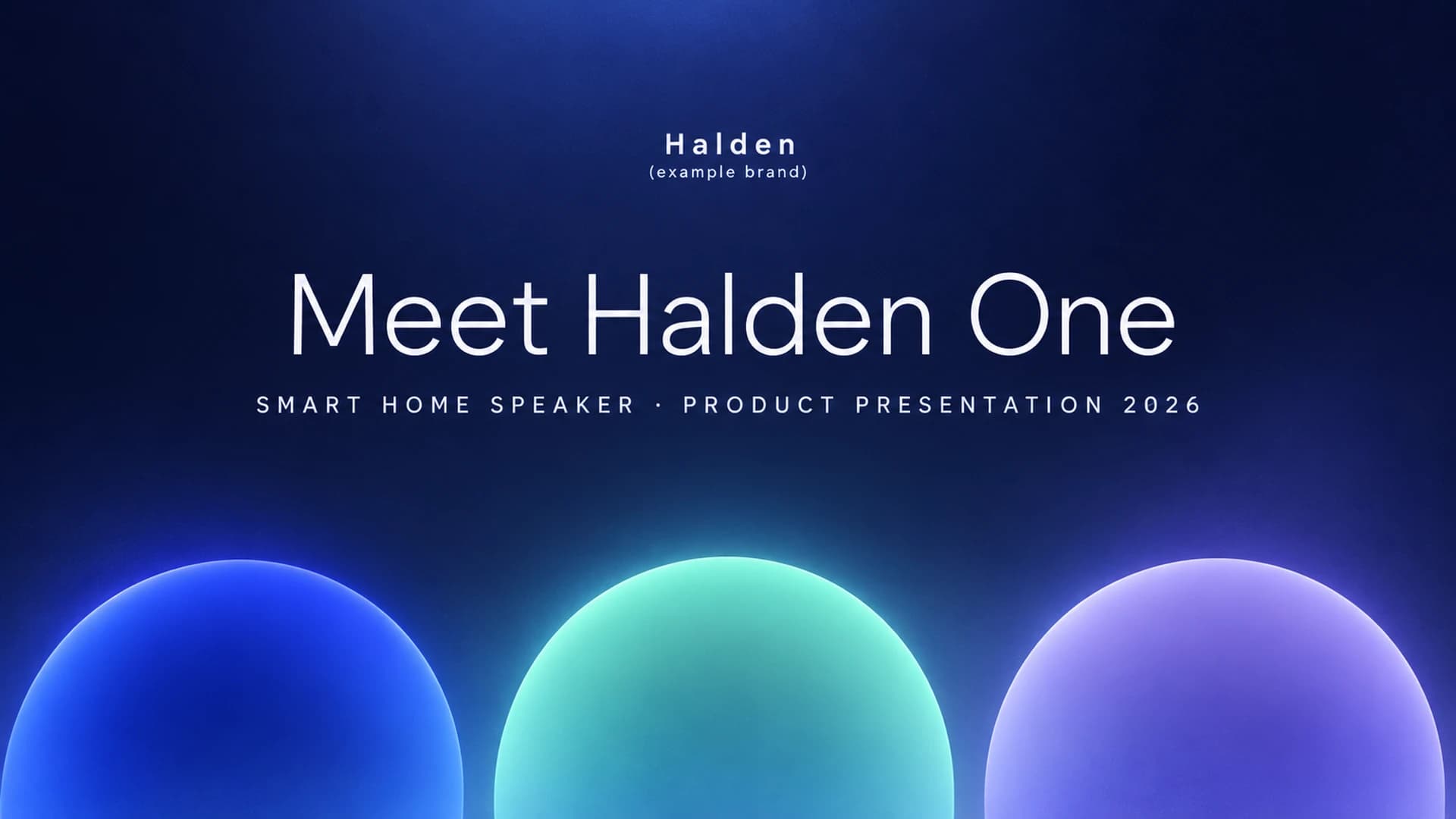
Introduce a new product in ten slides: a three-pillar overview, one focus slide per selling point with key specs, progress check-ins, pricing tiers and a launch timeline. Glowing blue, teal and violet glass shapes move between slides with PowerPoint Morph. Deckgist's separate AI maker can also draft a new deck from your launch brief.

Executive Summary Slide Deck with KPI Table and Decision Callouts

Executive Summary Slide Deck with KPI Table and Decision Callouts

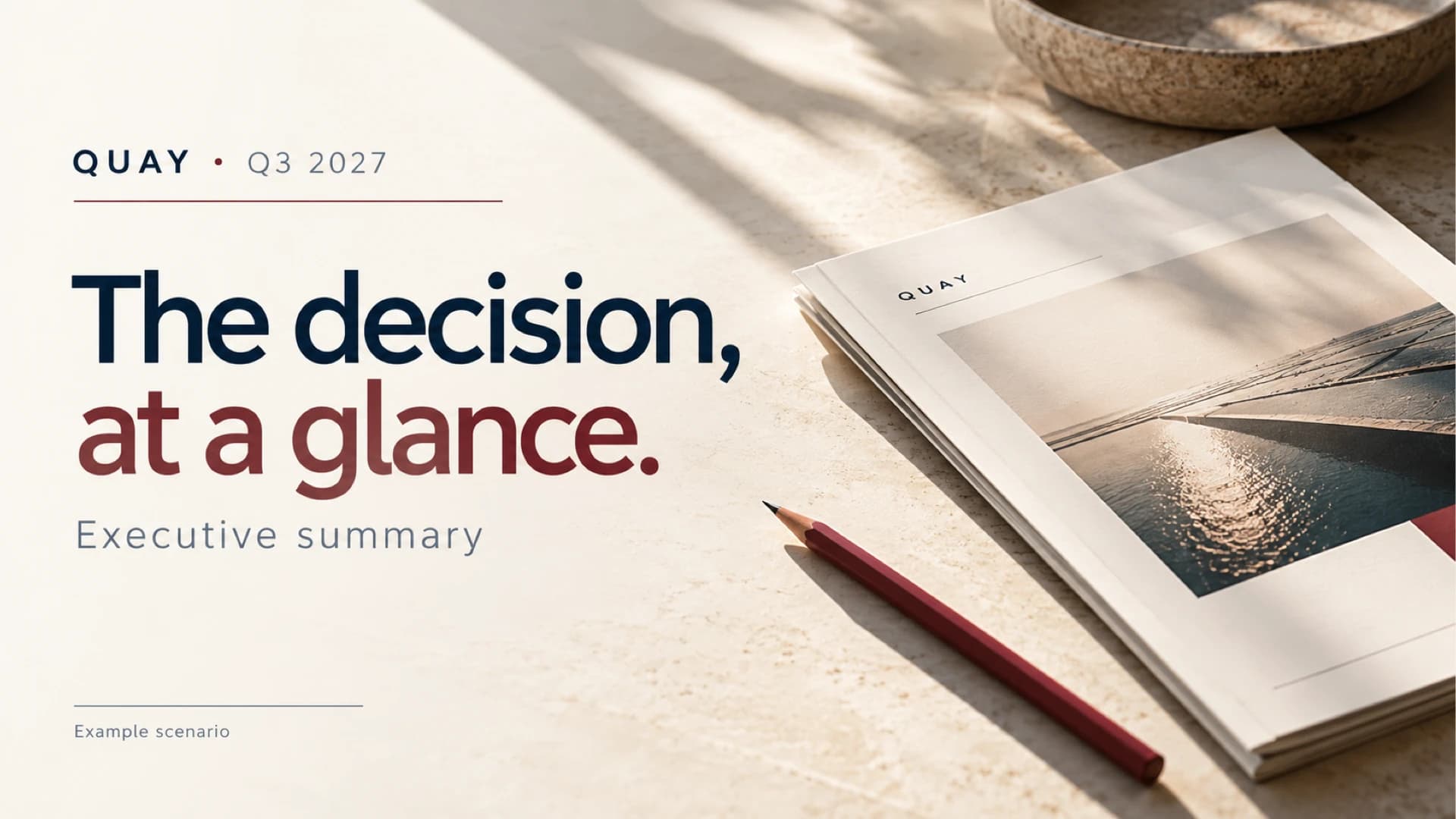
Create a decision-first executive summary presentation that puts results, the ask, risks and next steps on one slide, then supports it with revenue, KPI, budget and timeline slides. The ivory, navy and burgundy boardroom style uses sunlit still-life photography. Deckgist's AI presentation maker can also draft a new deck from your reports.

Funny Presentation Template with Paper-Cut Banana Meeting Characters

Funny Presentation Template with Paper-Cut Banana Meeting Characters

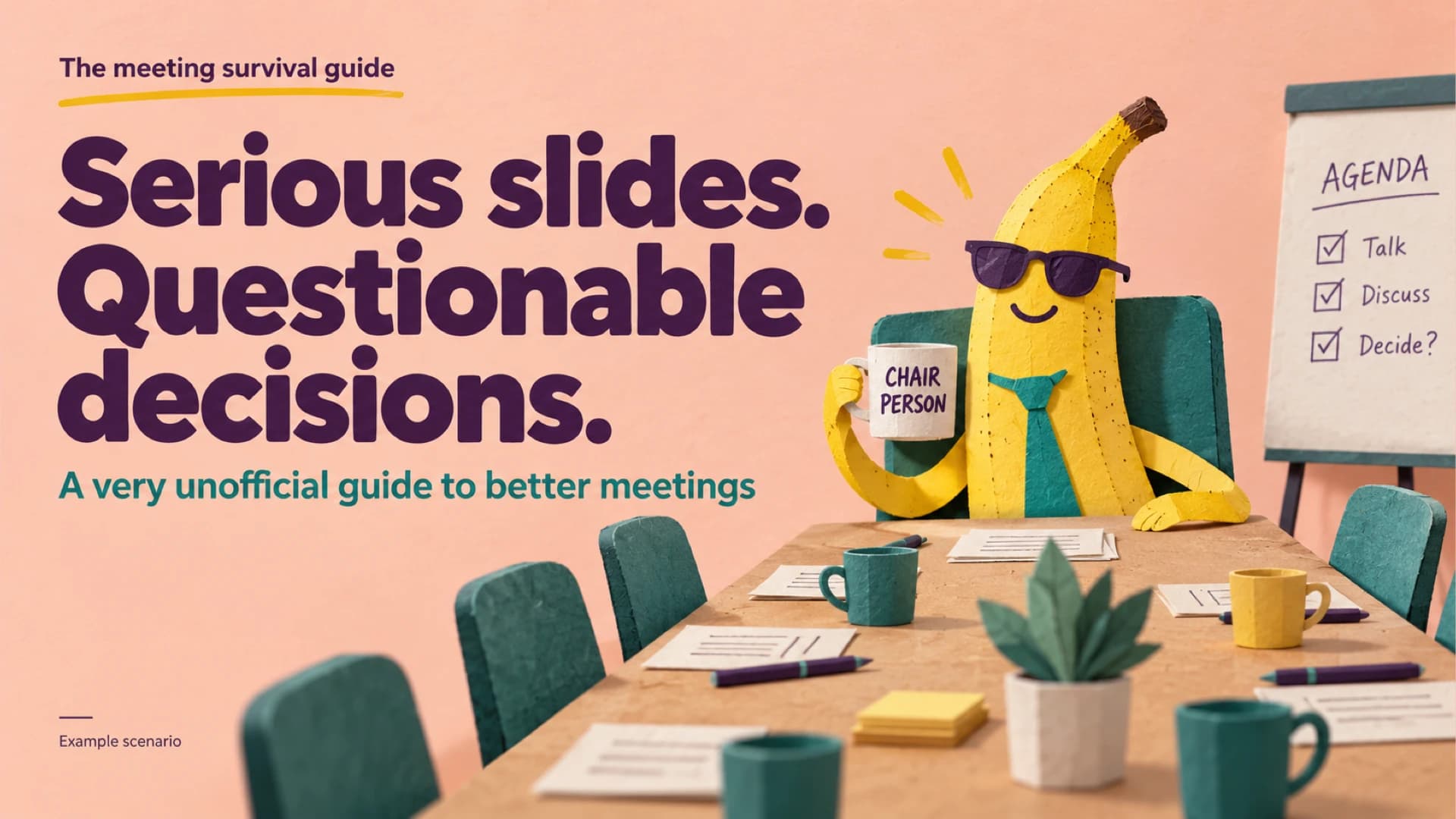
Use this funny presentation template to poke fun at long meetings while still landing a clear message: a cast of meeting characters, before/after phrase rewrites and a three-step plan. Paper-cut banana illustrations on peach keep the PowerPoint slides light, and Deckgist's AI maker can draft a new deck from your notes.

Business Plan PPT for a Neighborhood Service Startup Launch

Business Plan PPT for a Neighborhood Service Startup Launch

Present a small business launch from service pricing to a $60,000 use-of-funds plan with this business plan PPT. Warm workshop photography on a cream background frames a revenue model table, customer segments, a four-step operations path and a quarterly forecast chart in an editable business planning presentation.

Popular presentation templates

Dark Cybersecurity Board Risk & Oversight Presentation

Dark Cybersecurity Board Risk & Oversight Presentation

Create a board-ready cybersecurity presentation covering threat exposure, business impact, governance, metrics, investment priorities, and a phased roadmap. The dark navy PPT deck uses executive cards, a risk-impact comparison, a donut chart, and roadmap graphics. Use AI to organize briefs or reports into editable slides.

UX Review Presentation

UX Review Presentation

Present a UX review from the problem to measured impact with this clay pastel Morph deck. Crossed peach and plum capsules mark four chapters while slides cover checkout drop-off, research insights, personas, phone wireframes, usability test rounds and conversion gains. Deckgist's separate AI maker can also draft a new deck from your own UX notes.

Cybersecurity Awareness Training Presentation with Morph

Cybersecurity Awareness Training Presentation with Morph

Train employees to spot phishing, secure accounts, browse safely and report incidents with this animated cybersecurity awareness PowerPoint template. Morph transitions expand each of four module cards in turn, followed by a phishing test chart, KPI cards and a daily checklist. Deckgist's separate AI maker can also draft a new deck from your security policy.

UX Case Study Presentation

UX Case Study Presentation

Walk stakeholders from user research to measurable results with this animated UX case study deck. An espresso-brown Morph dial rotates through research insights, a persona, a journey map, wireframes and usability testing, ending with SUS results and a roadmap. Deckgist's separate AI maker can also draft a new deck from your research notes.