Free template
Cybersecurity Awareness Training Template with Animated Module Cards
This cybersecurity awareness training presentation gives security teams a ready ten-slide session for employees. After a navy cover with an amber shield badge, a Training Modules agenda lists Phishing, Passwords & MFA, Safe Browsing and Report Incidents. Each module then gets its own card: three warning signs of a phish, passphrase and MFA tips, safe browsing habits with a 48-hour update rule, and a Stop, Report, Preserve flow. A quarterly phishing test line chart, four program impact KPI cards and a daily checklist close the training before a Think Before You Click slide that loops back to the cover. The defining feature is motion. PowerPoint Morph transitions expand the active module card while finished modules collapse into stacked bars, so learners always see where the session stands. Navy backgrounds, warm-white cards, amber stats, teal pills and bright office photos keep the PPT deck friendly. The slides can be converted to Google Slides, but Morph plays only in PowerPoint versions that support it.
To build a different security briefing, Deckgist's AI presentation maker can turn an IT security policy or an incident report into a structured, editable presentation.
Create a presentation with AI
Enter a topic or upload reference files, then choose a theme to create a new presentation.
Create with a theme
Enter a topic or upload reference files, then choose a theme to create a new presentation.
Supports documents, PDFs, PPTs, and text files
Generate an editable presentation
AI organizes your content and completes the layout
No topic or upload needed
No topic or upload needed
16:9
Interactive & Animated
Dynamic (Morph)
10 slides
What’s included
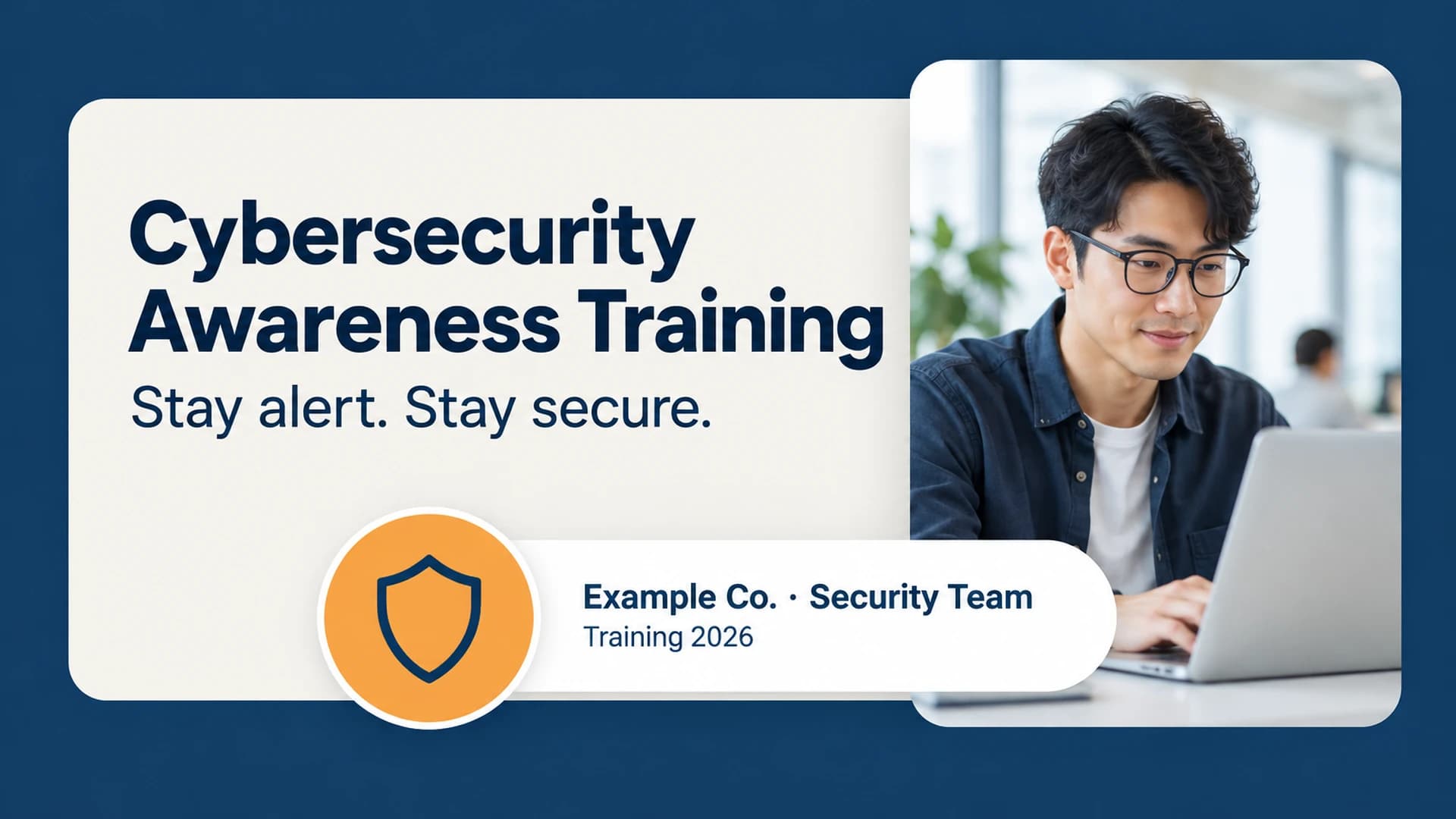
Cybersecurity awareness training cover
Cover slide titled Cybersecurity Awareness Training with the subtitle Stay alert. Stay secure., an Example Co. Security Team label and a Training 2026 line.
Show full textCollapse
Security training modules agenda
Agenda slide titled Training Modules listing four numbered modules: Phishing, Passwords & MFA, Safe Browsing and Report Incidents.
Show full textCollapse
Spot the phish module
Module 01 card titled Spot the Phish listing three warning signs, urgent tone, mismatched sender and unexpected link, with an illustrative 9 in 10 breaches start with an email statistic.
Show full textCollapse
Passwords and MFA module
Module 02 card titled Lock Your Accounts with tips for a 14+ character passphrase, a password manager and MFA on every account.
Show full textCollapse
Safe browsing module
Module 03 card titled Browse Safely with tips to check the URL, avoid public Wi-Fi without a VPN and install updates within 48 hours.
Show full textCollapse
Incident reporting module
Module 04 card titled Report Fast with a three-step Stop, Report, Preserve flow and a 15 minutes to report an incident callout.
Show full textCollapse
Phishing test results chart
Line chart of illustrative quarterly phishing test click rates falling from 18% in Q1 to 11%, 6% and 3% in Q4.
Show full textCollapse
Security awareness program impact KPIs
Program Impact slide with four illustrative KPI cards: 96% training completion, 3% phishing click rate, 4.2× more reports and 12 minutes average time to report.
Show full textCollapse
Show all 10 slides
Daily security checklist
Checklist slide titled Your Daily Checklist with four habits: verify the sender, use MFA, lock your screen and report anything odd.
Show full textCollapse
Think before you click closing slide
Closing slide titled Think Before You Click asking viewers to report suspicious activity to a sample security email address.
Show full textCollapse
Best for
- Run an annual cybersecurity awareness training session for all employees
- Teach staff to recognise phishing emails and report them quickly
- Introduce password manager and multi-factor authentication rules
- Share quarterly phishing simulation results with leadership
- Report security awareness program KPIs such as completion and click rates
- Onboard new hires with a daily security checklist
Who this template is for
- IT security and information security teams
- Security awareness program managers
- HR and learning and development teams
- IT managers in small and mid-sized companies
- Compliance officers running staff training
Features of this template+
- PowerPoint Morph transitions that expand each training module card and collapse finished modules into stacked bars
- Four-module training flow covering phishing, passwords and MFA, safe browsing and incident reporting
- Stop, Report, Preserve incident flow and a large callout statistic on every module slide
- Quarterly phishing test line chart and four program impact KPI cards marked as illustrative data
- Navy and warm-white palette with amber accents, teal pills, line icons and bright office photography
- Editable 16:9 PowerPoint slides that can be converted to Google Slides, with Morph playback limited to PowerPoint versions that support it