Free template
Job Analysis Presentation Template: From Task Inventory to a Validated Job Description
This job analysis PPT template gives HR trainers a workshop that shows hiring managers how observed work becomes a usable job description. The 12 slides follow one Facilities Coordinator example: defining what the role includes and excludes, interviewing the incumbent and site manager, observing how an urgent request was recorded, and listing tasks with frequency and evidence in a native table. Later slides group those tasks into intake, triage and follow-up responsibilities, map them to knowledge, skill and ability competencies with observable evidence, and assemble a purpose, duties and required-knowledge job description card. The closing slides cover manager validation, a meeting-room light repair walkthrough, bias and ambiguity checks, and a three-role validation plan. The slides share a dark navy blueprint grid, thin line-art illustrations, coral accent bars and a recurring safety-helmet photo corner, giving this human resources presentation a hands-on feel. Download it as a PowerPoint file or use the Google Slides conversion option, where fonts and spacing may shift.
For a different HR topic, Deckgist's AI presentation generator can turn interview notes or policy PDFs into structured, editable presentations.
Create a presentation with AI
Enter a topic or upload reference files, then choose a theme to create a new presentation.
Create with a theme
Enter a topic or upload reference files, then choose a theme to create a new presentation.
Supports documents, PDFs, PPTs, and text files
Generate an editable presentation
AI organizes your content and completes the layout
No topic or upload needed
No topic or upload needed
What’s included
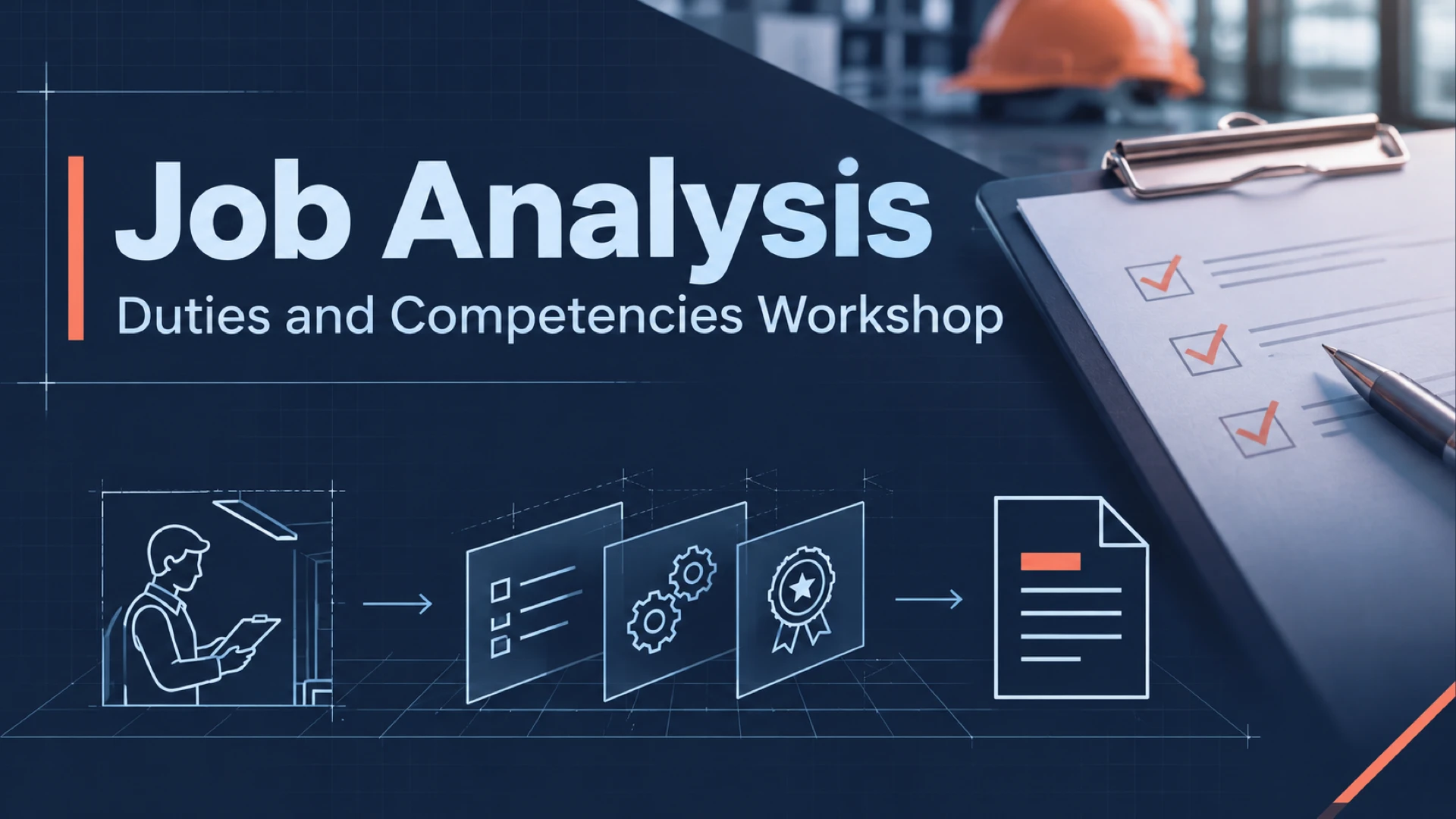
Job Analysis: Duties and Competencies Workshop
Cover slide introducing a job analysis workshop on duties and competencies, with a line-art flow from observing work to a finished job description.
Show full textCollapse
What job analysis produces
Shows how observed work moves from a task to a responsibility to a competency and results in a validated job description, using a Facilities Coordinator example.
Show full textCollapse
Define the role and scope
Sets the scope of the example Facilities Coordinator role, including what to cover, who to interview and what to exclude.
Show full textCollapse
Collect evidence from the work
Explains gathering job analysis evidence by asking about the last real request, observing how it was handled and checking the handoff.
Show full textCollapse
Build a task inventory
A task inventory table that starts each line with an action verb and records how often each task happens and what evidence supports it.
Show full textCollapse
Group tasks into responsibilities
Groups related tasks under one responsibility, Coordinate maintenance response, broken into intake, triage and follow-up steps.
Show full textCollapse
Map work to competencies
A competency matrix that ties knowledge, skill and ability requirements to observable evidence for the example role.
Show full textCollapse
Draft the job description
An example Facilities Coordinator job description card summarizing the role's purpose, duties and required knowledge.
Show full textCollapse
Show all 12 slides
Validate with managers
Reviews the draft job description with the site manager and role holder using three validation checks.
Show full textCollapse
Work through a role example
Walks through a scenario where a meeting-room light fails before a workshop, showing how the role handles it step by step.
Show full textCollapse
Check for bias and ambiguity
Quality checks that tie every job requirement to an observable duty and keep the job description precise.
Show full textCollapse
Make a validation plan
Assigns validation actions to the HR facilitator, hiring manager and operations lead after picking one role and agreeing on a review date.
Show full textCollapse
Best for
- Run a job analysis training workshop for hiring managers
- Show how to build a task inventory from interviews and on-the-job observation
- Map role tasks to knowledge, skill and ability competencies with observable evidence
- Draft and review a job description before opening a requisition
- Plan who validates a new or updated role description and when
Who this template is for
- HR trainers and learning facilitators
- HR business partners
- Hiring managers
- Talent acquisition and recruitment teams
- Operations and facilities managers defining roles
Features of this template+
- One Facilities Coordinator example carried through scoping, evidence collection, task inventory, job description and validation slides
- Editable task inventory table with task, frequency and evidence columns, plus a three-row knowledge, skill and ability competency matrix
- Task → Responsibility → Competency flow slide that ends in a validated job description output banner
- Dark navy blueprint grid with thin line-art illustrations, coral accent bars and a recurring safety-helmet photo corner
- Bias and ambiguity checklist and a three-role validation plan for HR facilitator, hiring manager and operations lead
- 12 editable 16:9 PowerPoint slides that can also be opened through the Google Slides conversion option