Free template
Table of Contents Slide Template with Folder Tabs, Outline and Progress Tracker
This table of contents slide kit gives a longer presentation a clear map, from the opening agenda to the moment you return to it. The eight-slide PPT deck opens with a cover of stacked coral and peach folder tabs, then moves to a numbered contents table with Section, Topic and Page columns, a two-phase view that groups sections under Discover and Decide tabs, and an icon contents page with page-number pills. A hierarchical project outline adds two sub-points under each section, offering a diagram-style alternative to a plain list, while the Where We Are progress tracker marks finished, current and upcoming sections. A section divider and a Jump to a Section page with chevron rows and a Back to Contents button complete the navigation flow. The sample sections (Project Brief, Research Findings, Design Options and Next Steps) are marked as an example scenario, ready to be replaced with your own topics. Bold plum headings, a warm apricot background, faint grid lines and soft paper textures keep every slide consistent in PowerPoint, and the file can be converted for Google Slides.
Need the sections themselves? Try Deckgist's AI presentation maker to turn a project brief or meeting notes into a structured, editable presentation with its own agenda.
Create a presentation with AI
Enter a topic or upload reference files, then choose a theme to create a new presentation.
Create with a theme
Enter a topic or upload reference files, then choose a theme to create a new presentation.
Supports documents, PDFs, PPTs, and text files
Generate an editable presentation
AI organizes your content and completes the layout
No topic or upload needed
No topic or upload needed
What’s included
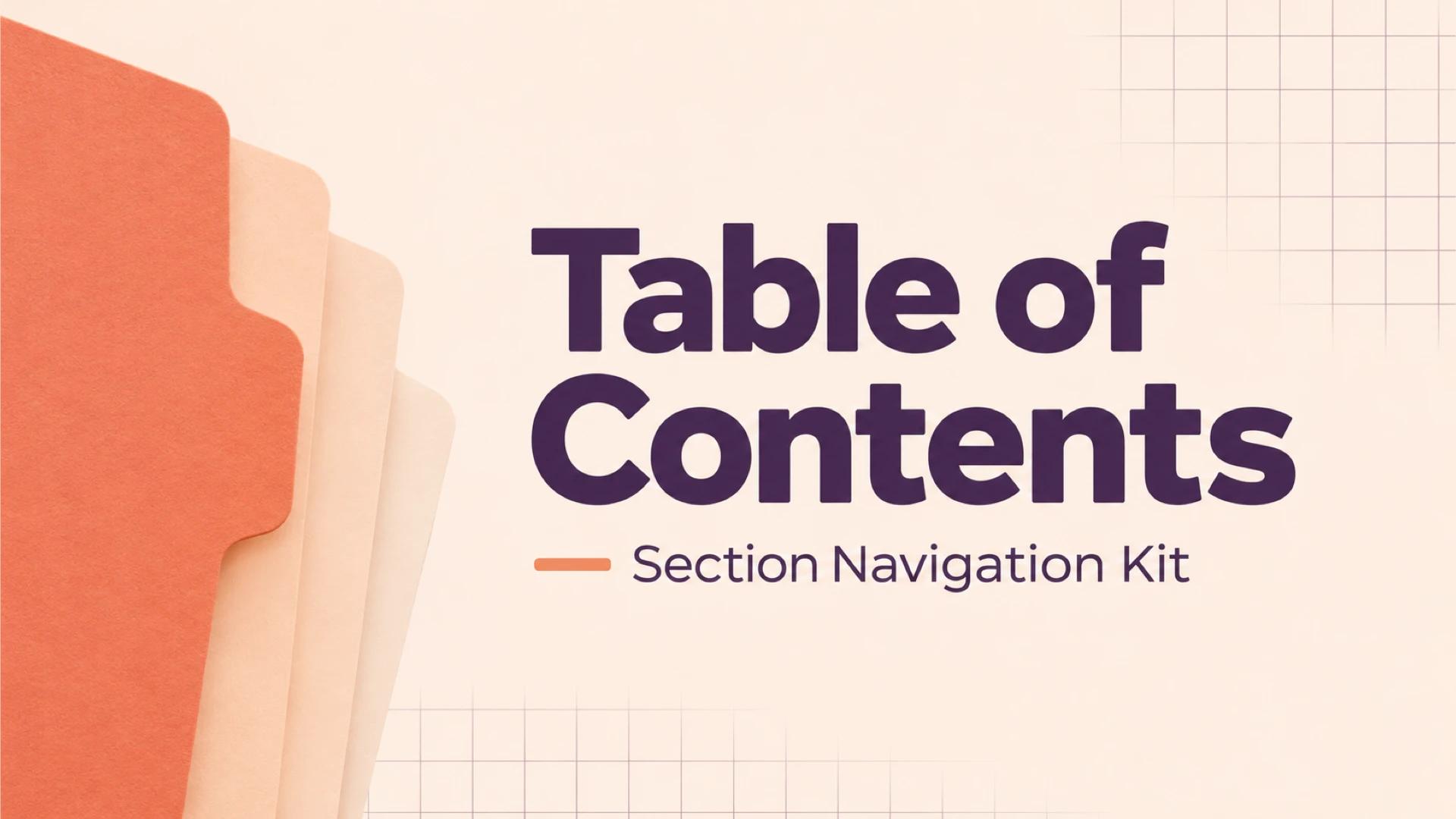
Table of Contents cover
Cover slide titled Table of Contents with the subtitle Section Navigation Kit, set beside stacked folder tabs.
Numbered contents table
A contents table listing four sample sections with their topics and starting page numbers.
Show full textCollapse
Contents by phase
Two folder-tab panels group the four sample sections into a Discover phase and a Decide phase.
Show full textCollapse
Icon contents page
Four icon cards introduce each sample section with a simple symbol and a page-number pill.
Hierarchical project outline
A two-column outline shows each numbered section with its page number and two sub-points.
Show full textCollapse
Where We Are progress tracker
A four-step tracker marks the first section as complete and highlights the current section in coral.
Section divider
A full-slide divider introduces section 02, Research Findings, with the line What we heard from users.
Jump to a section
Four chevron rows list each sample section with its page number, followed by a Back to Contents button design.
Best for
- Opening a project review with a numbered agenda and page references
- Grouping a long report into phases such as discovery and decision
- Showing an audience which section is finished, current and next
- Introducing each chapter of a workshop with a full-slide section divider
- Letting a presenter return to the agenda between sections of a client pitch
Who this template is for
- Project managers presenting multi-part status reviews
- Consultants structuring client presentations
- UX and research teams sharing findings in stages
- Students organizing thesis or capstone presentations
- Trainers running sectioned workshops
Features of this template+
- Seven navigation layouts: contents table, phase tabs, icon contents, outline, tracker, divider and jump page
- Numbered contents table with Section, Topic and Page columns
- Where We Are progress tracker with a check mark for completed and a coral highlight for the current section
- Coral, peach and cream folder-tab artwork on a warm apricot background with plum headings
- Hierarchical outline with two sub-points per section for detailed agendas
- 16:9 PowerPoint file with a Google Slides conversion option