Free template
Project Kickoff Presentation Template for Alignment and Execution
Use this Project Kickoff Presentation Template to align stakeholders before execution begins and turn an approved initiative into a shared working agreement. The slide story starts by anchoring the project to one business need, then defines the primary objective, priority users, key deliverable, and strategic connection. A dedicated scope comparison separates in-scope from out-of-scope work, while the governance section makes the executive sponsor, project lead, workstream owners, decision rights, and working cadence visible. The deck then moves into a three-stage milestone path—Discover & Align, Design & Build, and Test & Launch—before surfacing risks, dependencies, escalation triggers, and communication cadence. The closing slide confirms scope, success measures, governance, timeline, open decisions, and immediate actions. Warm cream backgrounds, burgundy accents, editorial serif headings, and natural workplace photography create a calm, polished visual system. The editable PPT deck is suitable for PowerPoint and Google Slides.
Explore DeckGist's AI presentation maker to turn project briefs and kickoff notes into structured, editable presentations.
Create your own presentation with this template
Keep this template’s layout, colors, and visual style. Just enter your topic or upload your materials.
Template selected
Colors, layout, and visual style will be preserved
Supports documents, PDFs, PPTs, and text files
Generate an editable presentation
AI organizes your content and completes the layout
No topic or upload needed
No topic or upload needed
What’s included
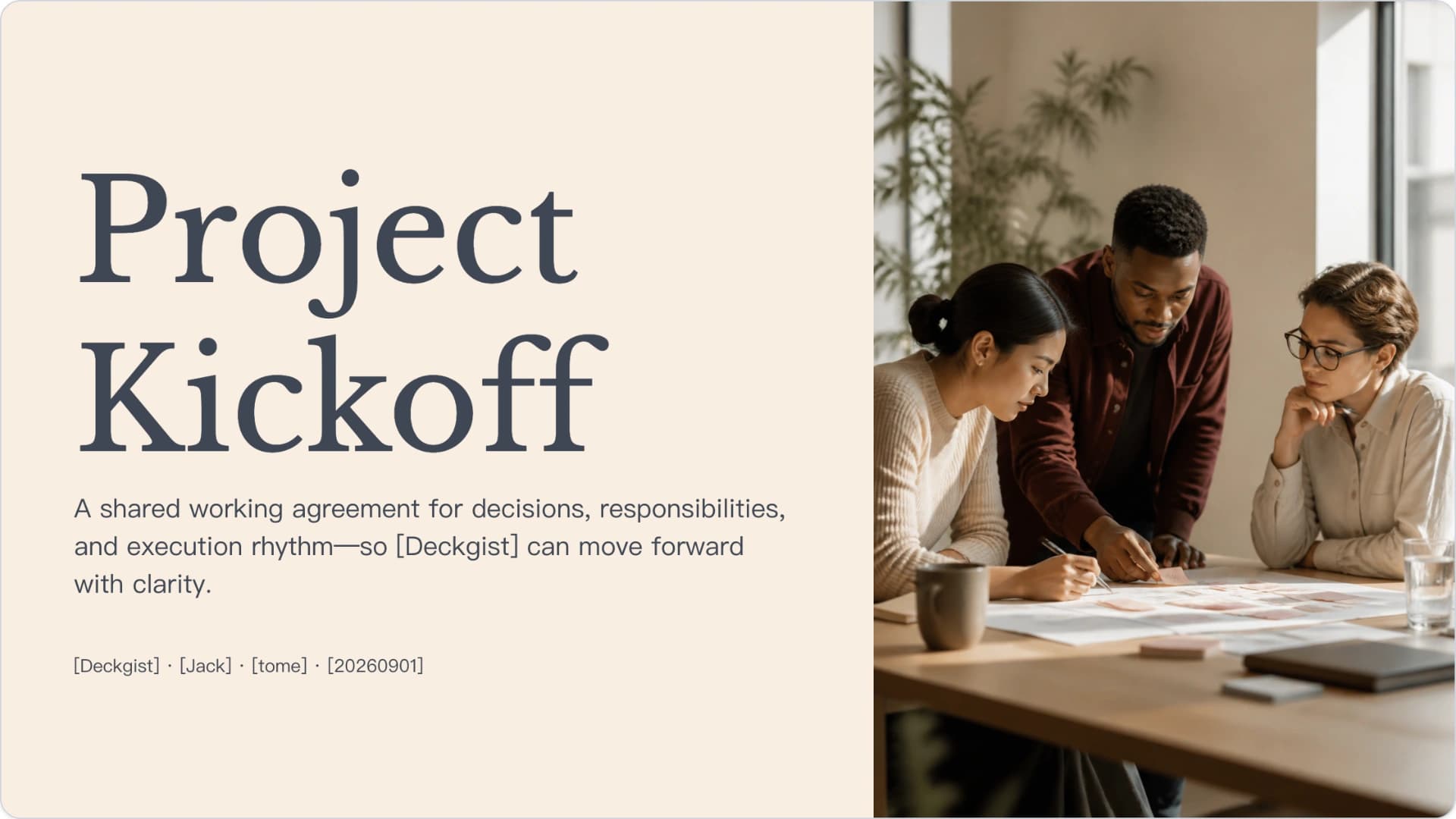
Project Kickoff
A shared working agreement for decisions, responsibilities, and execution rhythm—so [Deckgist] can move forward with clarity.
Show full textCollapse
The project is anchored to one business need
Use the business need as the decision filter when scope, timing, or resources come under pressure.
Show full textCollapse
One clear objective defines the project
Primary objective: [What the project will accomplish] — a precise statement of the intended change, audience affected, and result required.
Show full textCollapse
Clear boundaries make delivery manageable
Show full textCollapse
Visible ownership keeps decisions moving
Make ownership visible before execution begins: clear accountability prevents duplicated effort and unresolved approvals.
Show full textCollapse
Milestones Turn Intent into Action
Critical dependency: [required input, approval, vendor, or predecessor work] must be available before the next phase can begin.
Show full textCollapse
Early Risk Visibility Protects the Plan
Show full textCollapse
Ready to Move Forward
Show full textCollapse
Best for
- Run a formal project kickoff meeting with cross-functional stakeholders
- Align teams on the business need, project objective, and intended outcomes
- Define in-scope and out-of-scope work before delivery begins
- Clarify governance, decision rights, ownership, and working cadence
- Present milestones, dependencies, and launch gates for a new initiative
- Surface project risks, escalation triggers, and communication responsibilities
Who this template is for
- Project and program managers
- Project sponsors and executive sponsors
- PMO and delivery leaders
- Workstream owners and functional leads
- Product and operations leaders
- Cross-functional project teams
Features of this template+
- Business-need framework linking current situation, problem to solve, expected impact, and cost of inaction
- Objective-definition layout covering priority users, key deliverable, and strategic connection
- Side-by-side in-scope versus out-of-scope comparison for controlling project boundaries
- Governance model covering executive sponsor, project lead, workstream owners, decision rights, and working cadence
- Three-stage milestone roadmap spanning Discover & Align, Design & Build, and Test & Launch, supported by risk and dependency planning
- Warm cream editorial layouts with burgundy accents, serif display typography, and natural workplace photography designed for PowerPoint and Google Slides