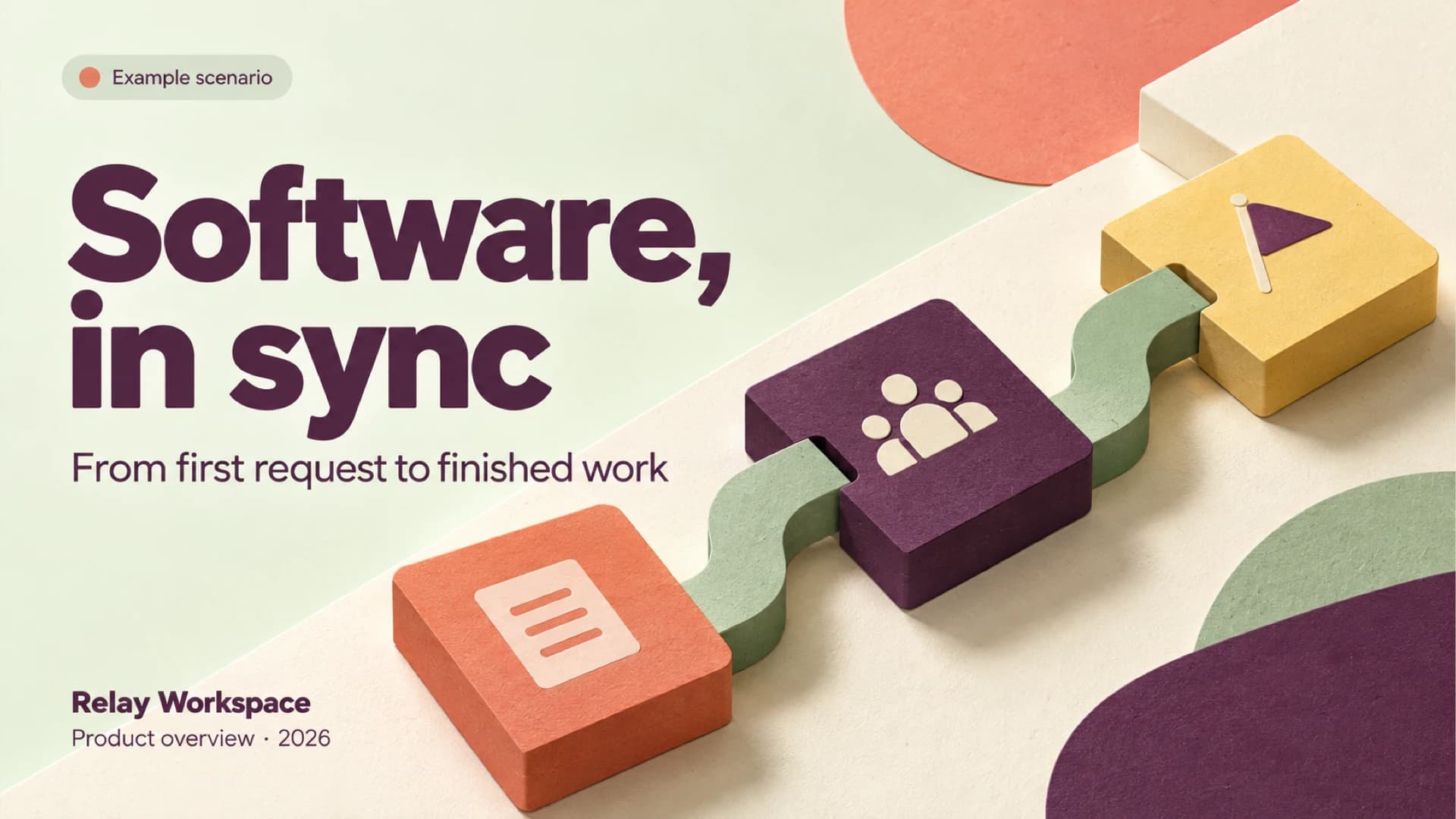
Software in sync cover with connected request, team and delivery blocks in coral, purple and yellow
Slide 1: Software in sync

Free template

Software PowerPoint Template for a Connected Workflow

This software PowerPoint template helps teams explain how work moves through a shared workspace, from the first request to delivery. Its example follows a website launch through three connected steps: capture the request, coordinate a design review, and deliver the approved page. A feature, use case and owner table gives the story a practical structure, while a task card shows the next action and its review status. The PPT deck continues with three example roles, a four-week rollout, and a checklist for starting the first project. Large plum headings, pale mint backgrounds and tactile coral, purple and yellow blocks give the slides a consistent visual thread; green connectors make the handoffs easy to follow. Use the PowerPoint file for a software overview or team walkthrough, or use the available Google Slides conversion workflow when presenting in Google Slides. The names, workspace and launch scenario are examples to adapt to your own project.

For a separate software briefing, use the AI presentation maker to turn a project brief or meeting notes into a structured, editable presentation.

Or use the template directly

No topic or upload needed

Format

16:9

Style

Illustration

Slides

8 slides

Category
Technology

What’s included

01

Software in sync

An example software workspace overview introduces work from first request to delivery.

02

Three connected workflow steps

An example website launch moves through capture, coordination and delivery.

03

Features, use cases and owners

A table pairs a request inbox, team board and release log with example uses and owners.

04

The next review action

An example task card shows a homepage design review, its owner and review status.

05

Project roles

Three example people are shown as request lead, design reviewer and release owner.

06

Four-week rollout

An example rollout progresses from workspace setup through a pilot and review.

07

First project checklist

A checklist covers workspace creation, project owners, the first request and review steps.

08

Bring the next project into sync

A closing slide encourages starting small, connecting work and improving.

Best for

  • Explain a software workspace from request to delivery
  • Walk a team through a website launch workflow
  • Present responsibilities for a software project handoff
  • Outline a four-week workspace rollout
  • Introduce the first steps for a shared project

Who this template is for

  • Software product teams
  • Project managers
  • Design reviewers
  • Workspace administrators
  • Release owners
Features of this template+
  • Three connected blocks illustrate capture, coordination and delivery
  • Feature, use case and owner table organizes the workspace overview
  • Example task card highlights an owner and review status
  • Four-week rollout and first-project checklist structure the next steps
  • Plum typography and tactile coral, purple and yellow blocks create a consistent visual system
  • PowerPoint download with a Google Slides conversion option

Related presentation templates

Dark Cybersecurity Board Risk & Oversight Presentation

Dark Cybersecurity Board Risk & Oversight Presentation

Create a board-ready cybersecurity presentation covering threat exposure, business impact, governance, metrics, investment priorities, and a phased roadmap. The dark navy PPT deck uses executive cards, a risk-impact comparison, a donut chart, and roadmap graphics. Use AI to organize briefs or reports into editable slides.

Cybersecurity Awareness Training Presentation with Morph

Cybersecurity Awareness Training Presentation with Morph

Train employees to spot phishing, secure accounts, browse safely and report incidents with this animated cybersecurity awareness PowerPoint template. Morph transitions expand each of four module cards in turn, followed by a phishing test chart, KPI cards and a daily checklist. Deckgist's separate AI maker can also draft a new deck from your security policy.

Hospital Management System Project Briefing with Illustrated Workflows

Hospital Management System Project Briefing with Illustrated Workflows

Brief managers or reviewers on a hospital management system with slides tracing one patient journey from registration to billing and follow-up. Illustrated teal and coral scenes sit beside architecture, permission and roadmap layouts in this healthcare information systems presentation, while Deckgist’s AI maker can draft a separate deck from your notes.

Network Security Architecture & Controls Briefing

Network Security Architecture & Controls Briefing

Brief IT teams on network boundaries, exposure, segmentation, access policy and escalation with this network security PowerPoint template. Blue-gray data center slides pair illustrative topology and flow diagrams with fill-in control tables, and Deckgist's AI maker can draft a separate cybersecurity presentation from your own notes.

AI in Agriculture: Use Cases and Pilot Plan

AI in Agriculture: Use Cases and Pilot Plan

Build an agriculture presentation around crop monitoring, yield forecasts and a pilot decision. Farm photography and evidence tables ground the PowerPoint slides; DeckGist's separate AI maker can structure a related briefing from your notes.

Red 3D Cyber Security Awareness Training Presentation Template

Red 3D Cyber Security Awareness Training Presentation Template

Create a cyber security awareness presentation covering common threats, safer daily behavior, incident response, and shared responsibility. This variant uses a deep burgundy palette with distinctive 3D clay-style security scenes. AI can turn policies, PDFs, notes, or briefs into structured, editable slides.

Cybersecurity Tabletop Exercise Decision Readiness Template

Cybersecurity Tabletop Exercise Decision Readiness Template

Create a cross-functional cybersecurity tabletop exercise presentation that tests decision rights, escalating incident injects, readiness measures, and owned remediation. The dark navy and electric-blue abstract design supports executive discussion, while AI can organize your exercise brief or response plan into editable slides.

Cybersecurity Board Risk Prioritization & Control Metrics

Cybersecurity Board Risk Prioritization & Control Metrics

Create a board-ready cybersecurity risk presentation that ranks business exposure, translates control gaps into consequences, tracks control effectiveness, and frames funding decisions. The dark navy PPT uses risk and KPI tables, a decision funnel, bar chart, and 3D shield visuals. AI can organize security reports into editable slides.

Popular presentation templates