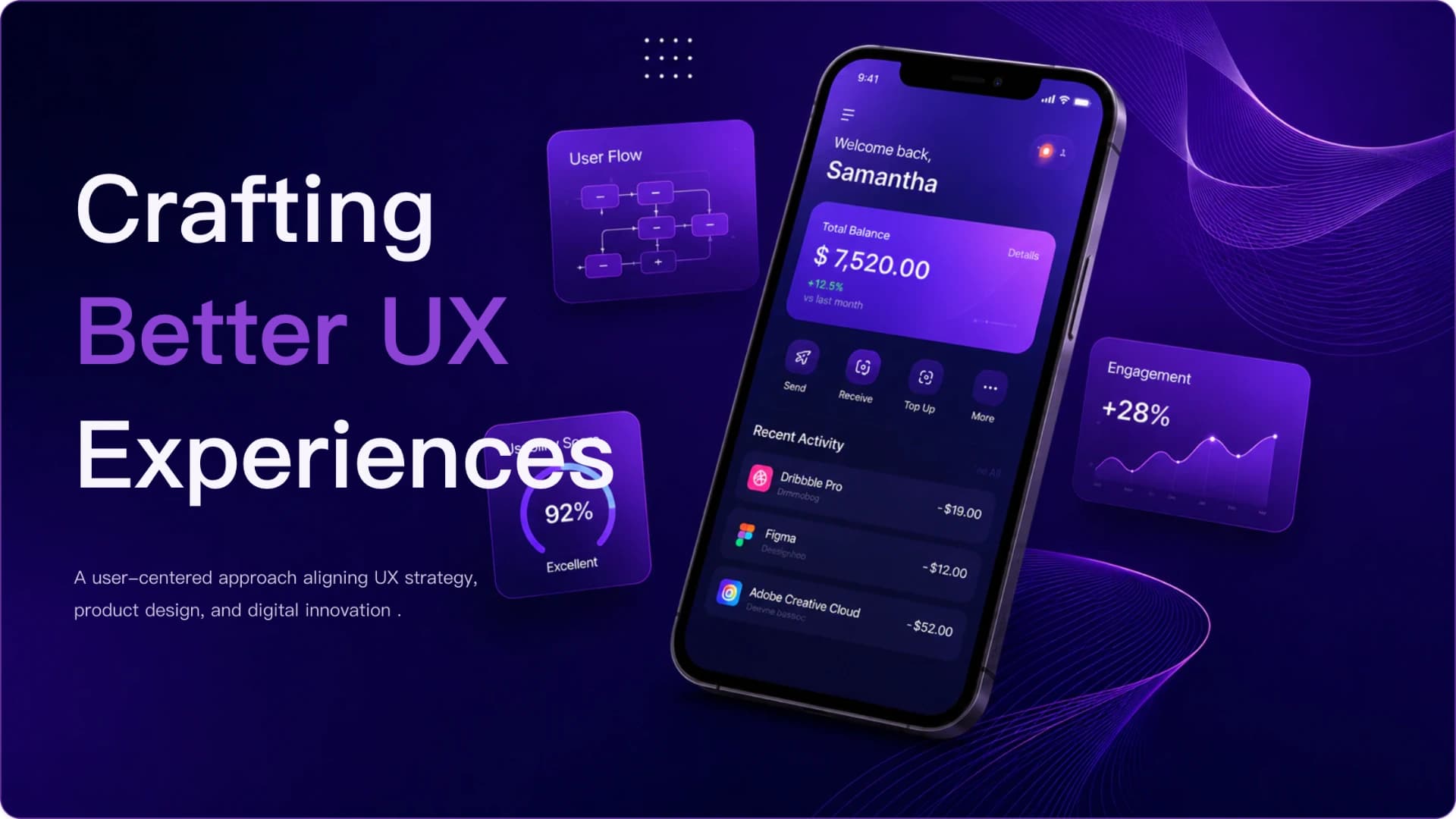
Slide 1: Crafting Better UX Experiences preview of AI UX Strategy, User Research & Product Design Presentation Template presentation template
Slide 1: Crafting Better UX Experiences

Free template

UX Strategy & User Research PowerPoint Template

Create a polished UX strategy presentation that translates user evidence into a clear product experience direction. The template follows a practical narrative from project context and user pain points through research insights, user journey mapping, UX frameworks, design solutions, expected impact, and next steps. It is well suited to UX designers, product managers, researchers, consultants, and digital product teams presenting design recommendations to stakeholders or documenting a UX case study. The dark navy and purple visual system, device mockups, research charts, structured cards, journey frameworks, and digital interface imagery create a modern product-design atmosphere without sacrif

Or use the template directly

No topic or upload needed

Format

16:9

Colors
Slides

9 slides

Category
Business

What’s included

01

Crafting Better UX Experiences

A user-centered approach aligning UX strategy, product design, and digital innovation.

02

Agenda

Show full text
03

User Context & Pain Points

Understanding real users reveals where the journey breaks down and where a simpler, more relevant experience must begin.

Show full text
04

Research Insights

Research points to clarity, navigation, and relevance as the highest priorities

Show full text
05

User Journey & UX Framework

Each stage gives users a clear reason to continue while creating new opportunities for the product to learn and improve.

Show full text
06

The solution simplifies core tasks while making the experience more personal

A focused interface system brings clarity, insight, and consistency to the product’s most important interactions.

Show full text
07

Design Solution & Showcase

Show full text
08

A scalable design system makes better experiences easier to deliver

Consistent foundations—purple-led visual language, Inter typography, and reusable components

Show full text
Show all 9 slides
09

Let’s Build Better Experiences Together

The next phase turns the initial UX direction into a stronger cross-platform experience through continuous learning and iteration.

Show full text

Best for

  • UX strategy and stakeholder review presentations
  • User research findings and insight synthesis
  • UX design case study presentations
  • User journey and experience framework reviews
  • Product redesign and experience improvement proposals
  • AI-generated UX presentations from research reports or notes

Who this template is for

  • UX designers
  • UX researchers
  • Product managers
  • Product designers
  • Design consultants
  • Digital product teams
Features of this template+
  • Structured narrative from user problems and research to design solutions and outcomes
  • User pain point and research insight layouts
  • Editable chart-based slide for presenting UX research signals
  • User journey and UX framework presentation sections
  • Product solution layouts covering core flows, personalization, accessibility, and reusable components
  • Dark purple digital visual system with mobile, dashboard, and product interface imagery
Related presentation templates

UX Research, Product Design & Strategy Presentation Template

UX Research, Product Design & Strategy Presentation Template

Create a stakeholder-ready UX presentation that connects product challenges, user research, UX strategy, design decisions, measurable impact, and next steps. AI can turn research notes, PDFs, product briefs, or meeting materials into structured, editable slides while preserving the template’s dark premium visual style.

UX Research Insights for Product Strategy & Iteration

UX Research Insights for Product Strategy & Iteration

Create a decision-focused UX research deck that moves from research framing and recurring behavior patterns to product recommendations and evidence confidence. The dark navy, metallic editorial system gives research readouts an executive tone, while AI can organize notes or briefs into an editable slide story.

UX Case Study Presentation

UX Case Study Presentation

Walk stakeholders from user research to measurable results with this animated UX case study deck. An espresso-brown Morph dial rotates through research insights, a persona, a journey map, wireframes and usability testing, ending with SUS results and a roadmap. Deckgist's separate AI maker can also draft a new deck from your research notes.

UX Review Presentation

UX Review Presentation

Present a UX review from the problem to measured impact with this clay pastel Morph deck. Crossed peach and plum capsules mark four chapters while slides cover checkout drop-off, research insights, personas, phone wireframes, usability test rounds and conversion gains. Deckgist's separate AI maker can also draft a new deck from your own UX notes.

UX Research & Work Report Presentation Template

UX Research & Work Report Presentation Template

Present your UX research findings, daily work summaries, or monthly reports with clarity. This template helps you highlight user pain points, design pillars, and measurable business outcomes to stakeholders.

AI UX Research Deck & Product Strategy Presentation Template

AI UX Research Deck & Product Strategy Presentation Template

A professional UX research deck for turning user data, observations, and study findings into strategic product decisions. Use AI to convert research briefs, interview notes, PDFs, or reports into an editable stakeholder presentation with methodology, insights, recommendations, and next steps.

AI UX/UI Client Design Review & Product Redesign Presentation Template

AI UX/UI Client Design Review & Product Redesign Presentation Template

A premium client design review template for presenting UX problems, design principles, proposed improvements, usability validation, and implementation priorities. Use AI to turn audits, research notes, briefs, or product documents into an editable, stakeholder-ready redesign deck.

Business Plan Decision Framework & Market Validation Presentation Template

Business Plan Decision Framework & Market Validation Presentation Template

Create a decision-ready business plan presentation that moves from customer problem and demand evidence to differentiation, reachable market, revenue logic, financial viability, risk validation, and staged execution. Dark navy framework-driven layouts keep complex strategy concise. AI can organize a business brief or planning document into this structure.

Popular presentation templates

Medical Google Slides Template: Case Presentation Framework in Teal

Medical Google Slides Template: Case Presentation Framework in Teal

Eight editable slides for a medical case presentation: case overview, patient history with a symptom timeline, examination findings, an illustrative data chart, diagnostic discussion, intervention process and next steps. Teal wave shapes, clinical photos and line icons keep this PowerPoint template clean, with Google Slides conversion available.

Product Roadmap and Release Planning Slides in Indigo and Teal

Product Roadmap and Release Planning Slides in Indigo and Teal

Eight editable roadmap slides for planning product releases: Now / Next / Later cards, quarterly objectives, cross-team delivery lanes, a prioritization table and a dependencies-and-milestones view. Indigo-to-teal gradient cards and line icons make this PowerPoint template easy to adapt, with Google Slides conversion available.

Blue Geometric Presentation Background Kit for PowerPoint

Blue Geometric Presentation Background Kit for PowerPoint

A presentation background template with deep and light blue paper-style shapes behind eight ready layouts: cover, list, section opener, comparison, quote, bar chart, timeline and thank-you. Edit it as a PowerPoint deck or convert it for Google Slides. To write a new deck from notes instead, try DeckGist's separate AI presentation maker.

Music Slides Template: Notes and Listening Lesson

Music Slides Template: Notes and Listening Lesson

Build a classroom music lesson with eight editable slides covering lesson goals, musician roles, instrument families, rhythm patterns, a listening task and review questions. A dark navy concert design with coral and gold accents suits PowerPoint presentations.