Free template
Teaching Methods Presentation Template for Teacher Development Workshops
This teaching methods PPT helps teacher trainers and instructional coaches run a workshop on matching classroom strategies to learning goals. The eight-slide deck opens with a workshop cover, then sets out direct instruction, collaborative learning and inquiry side by side, each with a best-for note and a classroom example. Dedicated slides show each method in action: a three-step worked example adding 3/4 and 1/8 with guided practice, a think-pair-share routine (think one minute, pair three, share two evidence points), and a paper bridge investigation with an illustrative load chart for folded beam, tube and truss designs. The second half of this teaching methods presentation brings the strategies together in a table of teacher role and learner outcome, a goal-to-method decision map, and a plan, try, adjust cycle ending with a one-question exit ticket. Cobalt blue and white, heavy two-tone headlines, circular icon badges and classroom photography define the look. The editable slides work as a PowerPoint template and open in Google Slides through the conversion option.
Explore Deckgist's AI presentation maker to turn workshop notes or a lesson plan PDF into a structured, editable training presentation.
Create a presentation with AI
Enter a topic or upload reference files, then choose a theme to create a new presentation.
Create with a theme
Enter a topic or upload reference files, then choose a theme to create a new presentation.
Supports documents, PDFs, PPTs, and text files
Generate an editable presentation
AI organizes your content and completes the layout
No topic or upload needed
No topic or upload needed
What’s included
Teaching Methods: classroom strategies for meaningful learning
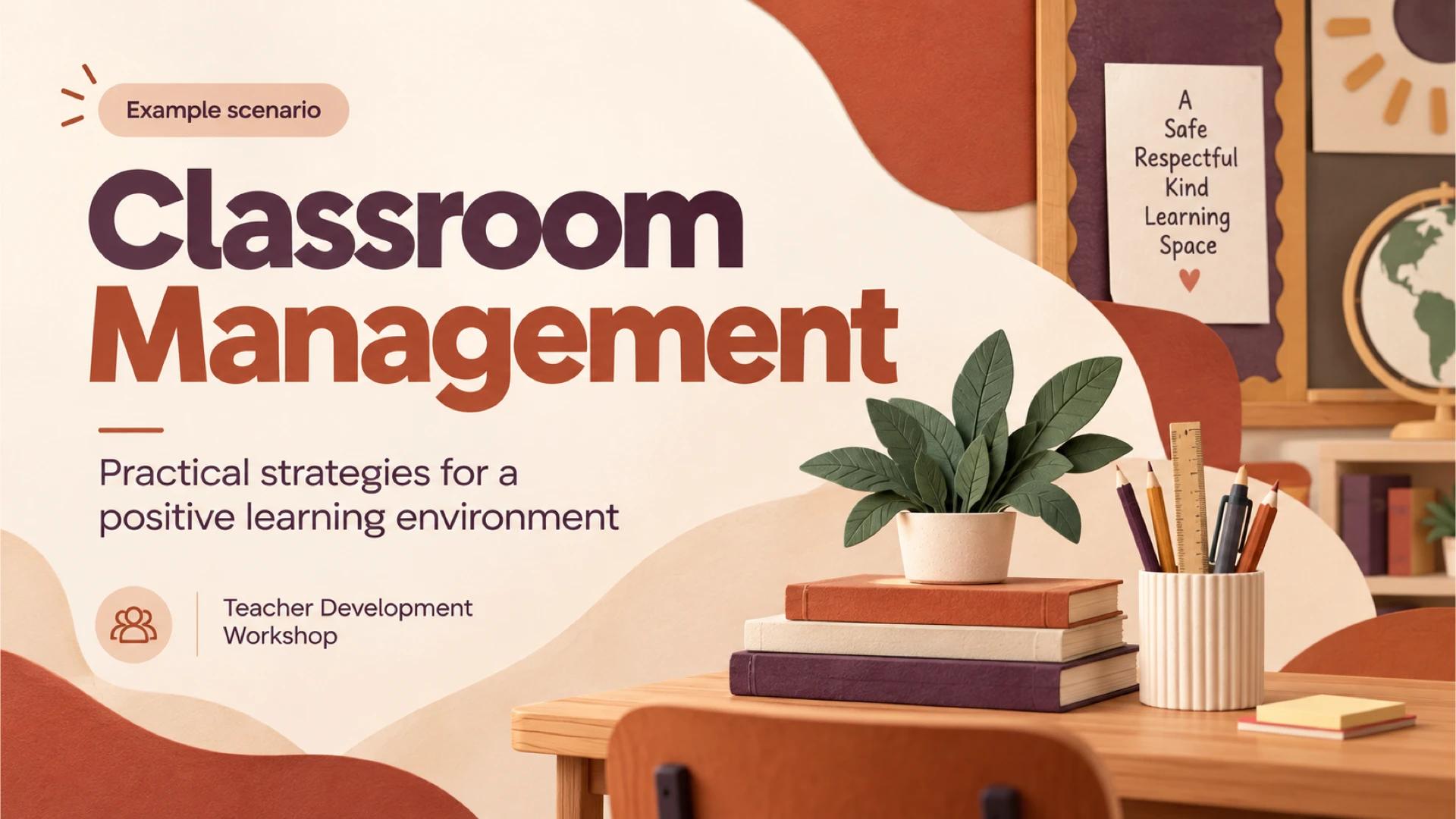
Cover slide for a teacher development workshop on teaching methods and classroom strategies, marked as an example scenario.
Show full textCollapse
Choose the method for the learning goal
Three photo cards introduce direct instruction, collaborative learning and inquiry, each with what it is best for and a classroom example.
Show full textCollapse
Make the thinking visible with direct instruction
A direct instruction and demonstration slide walks through adding 3/4 and 1/8 in three steps, followed by a guided practice prompt.
Show full textCollapse
Talk to test the reasoning
A collaborative learning slide uses a discussion prompt and a timed think-pair-share routine to compare solutions and explain reasoning.
Show full textCollapse
From question to evidence with inquiry learning
An inquiry slide asks which paper bridge design holds the greatest load and shows a predict, test, record and explain sequence with an illustrative bar chart.
Show full textCollapse
Choose a method for the job
A comparison table sets out three routes to meaningful learning by method, best use, teacher role and learner outcome.
Show full textCollapse
Start with the learning goal
A decision map links each learning goal to a teaching method, reinforcing that the method follows the outcome.
Show full textCollapse
Plan, try, adjust
A four-step cycle for the next lesson: plan a short learning segment, try one method, collect an exit ticket and name one adjustment.
Show full textCollapse
Best for
- Teacher development workshop comparing direct instruction, collaboration and inquiry
- Instructional coaching session on choosing a method for a specific learning goal
- New teacher induction module on core classroom strategies
- Department meeting planning a one-method trial with exit-ticket reflection
- Pre-service teacher education seminar on lesson design
Who this template is for
- Teacher trainers
- Instructional coaches
- School leaders running professional development
- Pre-service teacher educators
- Classroom teachers planning lessons
Features of this template+
- Three-method overview cards pairing direct instruction, collaborative learning and inquiry with best-for notes and classroom examples
- Worked fraction-addition demonstration with three numbered steps and a guided practice prompt
- Paper bridge inquiry slide with a four-step process strip and an editable bar chart of illustrative load data
- Four-column comparison table covering method, best use, teacher role and learner outcome
- Cobalt blue and white design with bold two-tone headlines, circular icon badges and classroom photography
- Editable PowerPoint slides that can be converted for use in Google Slides